

Manage Applied Epic Calls in Lightspeed Voice
View matched client details, manage call activities, and send notes and NOVA insights to Applied Epic from Lightspeed Voice.
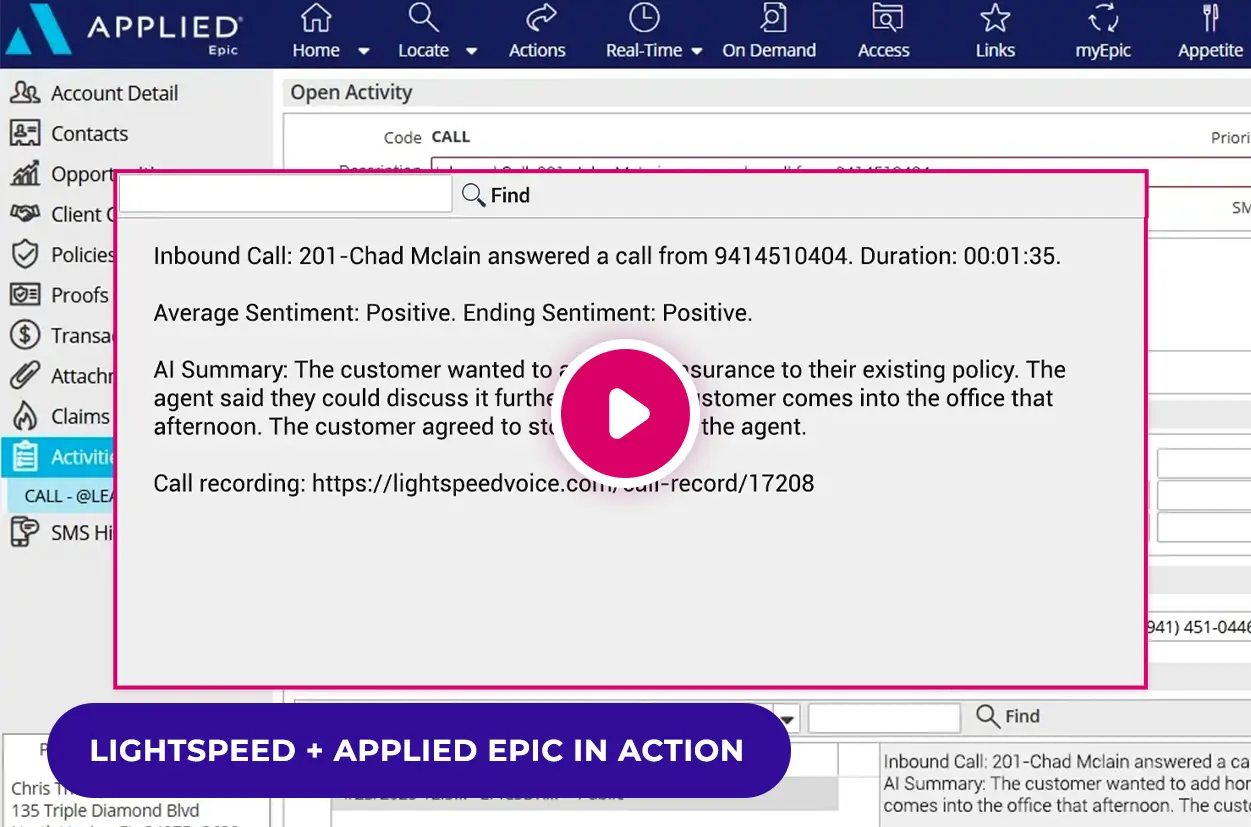
- Access matched client details during calls
- Create activities and control when they sync
- Add NOVA summaries and sentiment after calls

Manage Applied Epic Activities Inside Lightspeed Voice


- Call summaries and sentiment join call details after NOVA finishes processing.
- Send the activity after the call with Insert on Hangup enabled.
- Save unfinished entries and complete them later in the Applied Epic Call Log.

How the Applied Epic Phone Integration Works
NOVA AI + Applied Epic
Applied Epic integration at a glance
See what connects and how your team stays in control.
Capability | Availability | How it works |
|---|---|---|
Client details | ✓ Supported | Open matched Epic details inside Lightspeed Voice. |
Activity management | ✓ Supported | Create or update activities for an account or policy. |
Call details & recordings | ✓ Supported | Send call notes and a recording link with the activity. |
Choose when to send | ✓ Supported | Send after hangup or save the activity to finish later. |
AI summaries & sentiment | ✧ Requires NOVA | Add insights after the call finishes processing. |
Saved-call review | ✓ Supported | Complete unfinished entries in the Applied Epic Call Log. |
Recording access follows user permissions. NOVA insights sync after processing.
Get connected to Applied Epic
Confirm access
Connect your agency
Verify your users

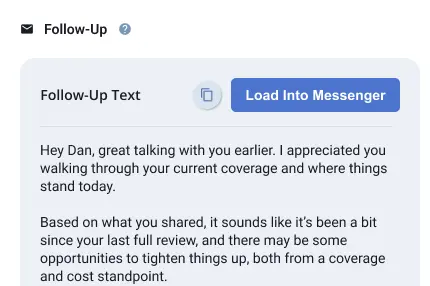

Ready to set up your integration?
Explore NOVA and NOVA Pro
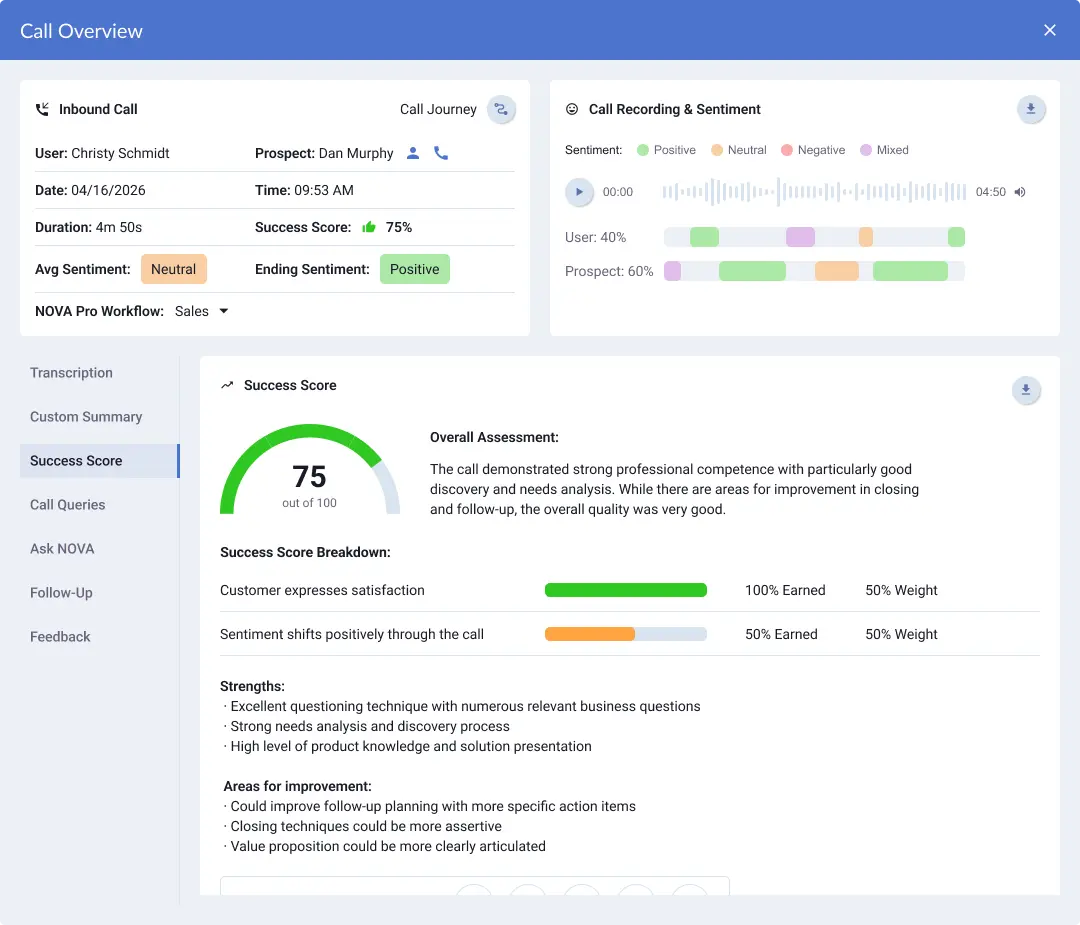
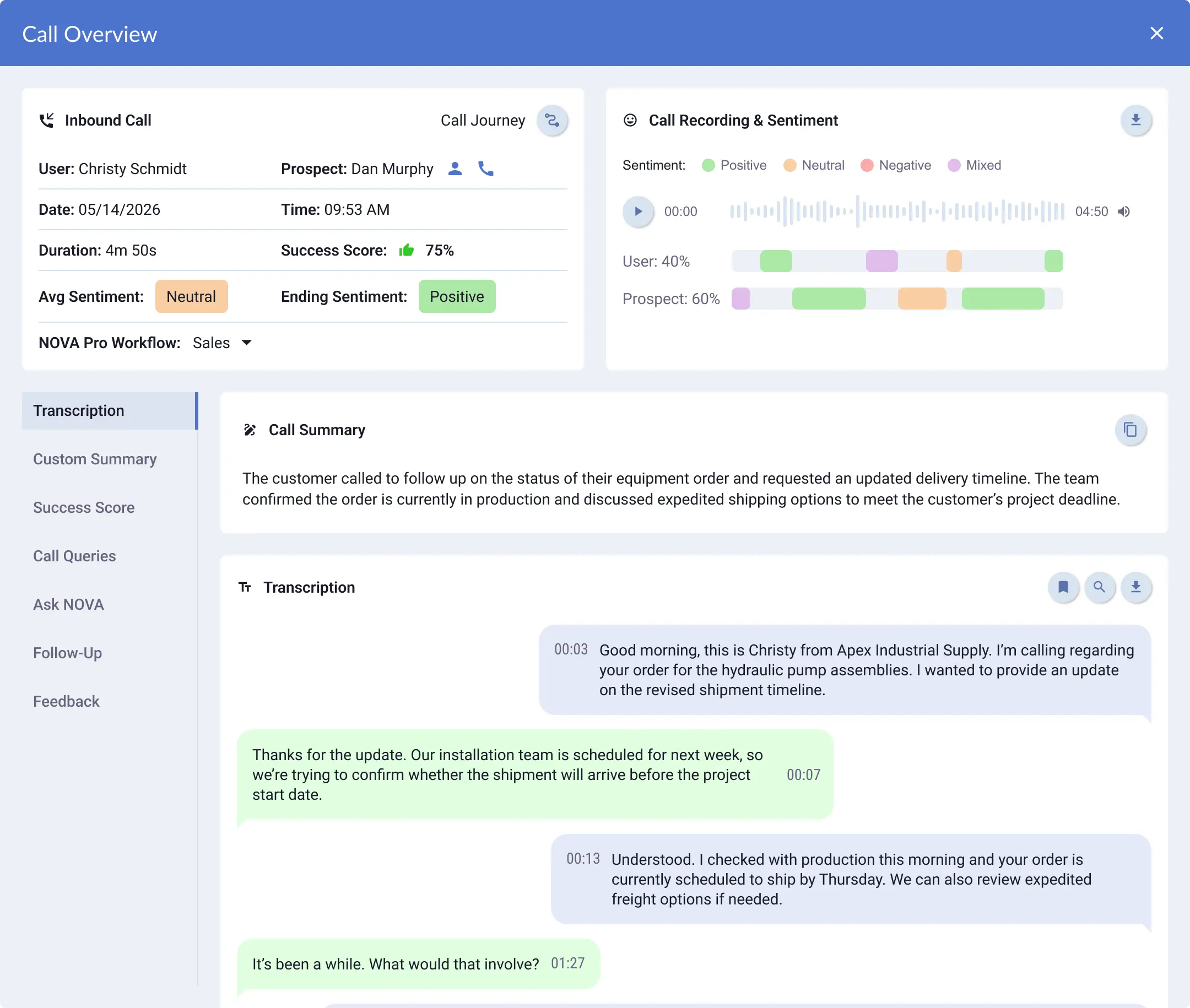
Review calls in Lightspeed Voice with NOVA and NOVA Pro. With NOVA enabled, summaries and sentiment can accompany the call details sent to Applied Epic after processing.


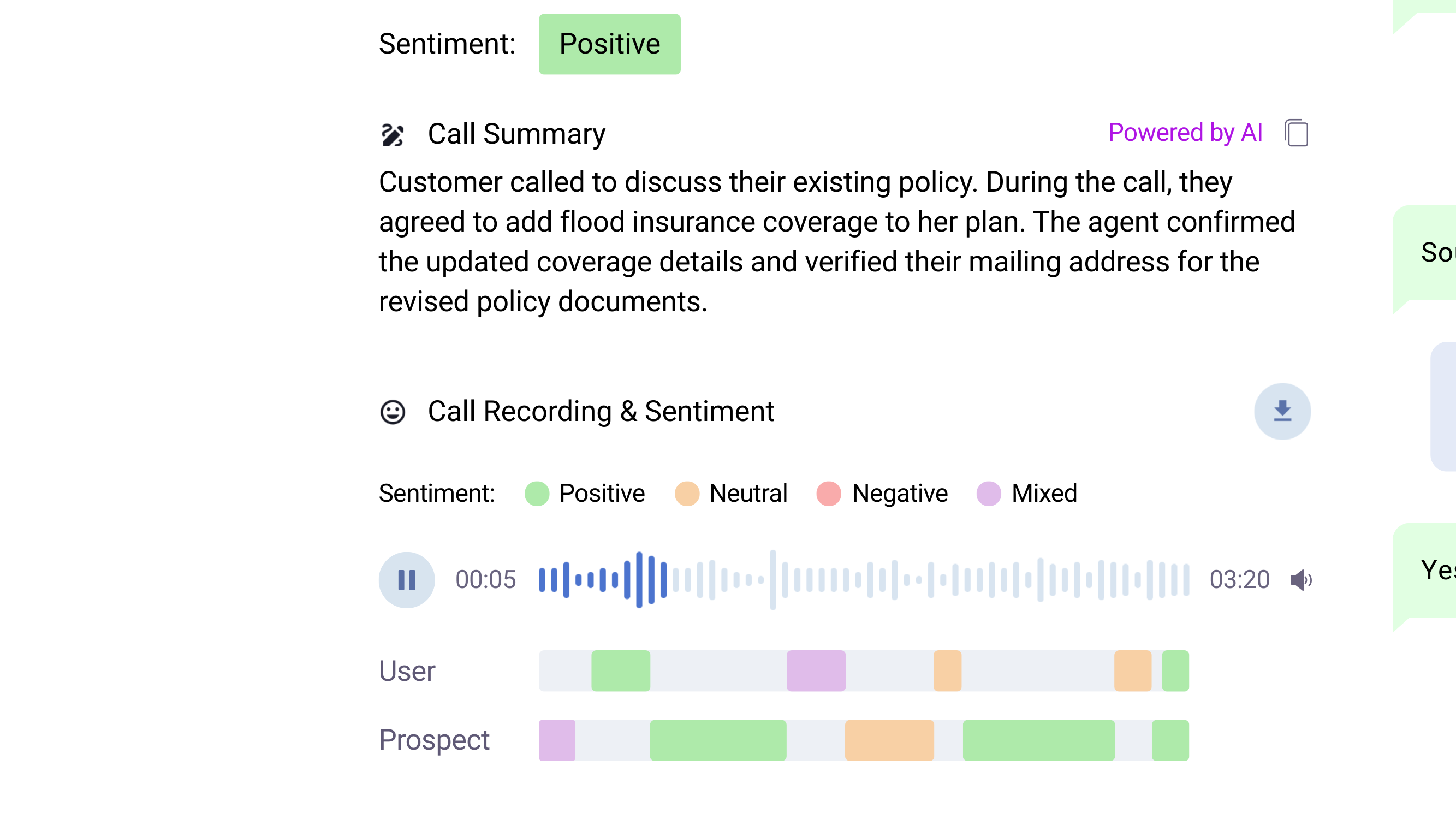
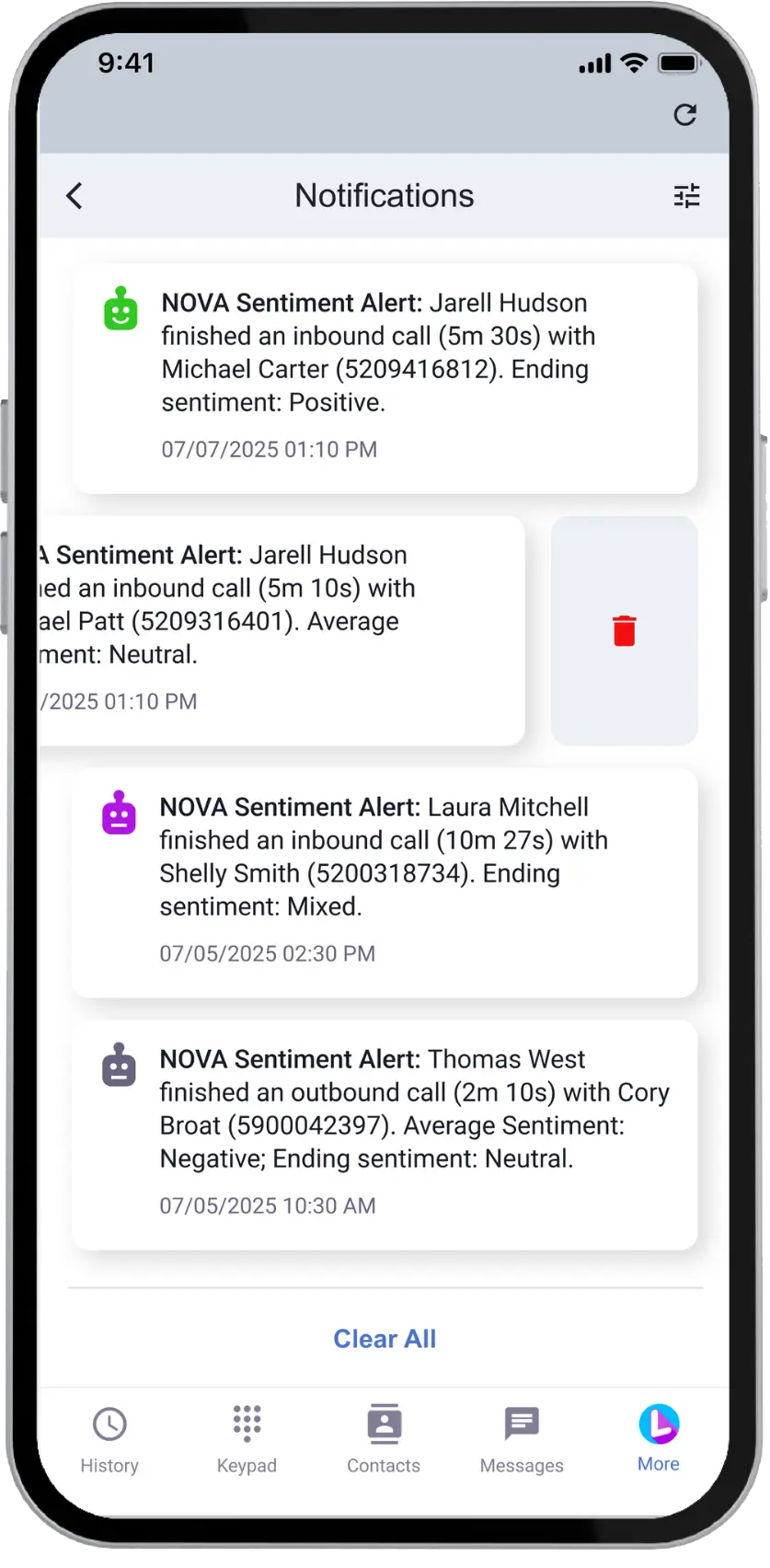
Stay Ahead with Sentiment Insights

Review Call Sentiment

Follow Up on Negative Calls
Why Agencies Choose Lightspeed Voice

#1 Rated Phone Service

Award-Winning NOVA AI

98% Customer Satisfaction

4.9 Star Google Rating
FAQs
Lightspeed Voice and Applied Epic
See Lightspeed Voice and Applied Epic in Action
See how your agency can access client details, manage call activities, and bring NOVA insights into Applied Epic. Schedule a demo tailored to your team's workflow.


