Lightspeed Voice Support and Customer Help Center

Find answers, download apps, watch tutorials, and contact our team — we're here to help you succeed.

Luck the robot with shapes behind him holding  aphone.

Search the Support Library

Find articles, setup guides, troubleshooting tips, and answers by keyword. Start typing to instantly narrow the results.
Thank you! Your submission has been received!
Oops! Something went wrong while submitting the form.
A2P

Texting, SMS & TCR, Definition

Application-to-Person messaging is any message traffic in which a person receives messages from an application rather than another individual and is not expected to receive a reply.

A
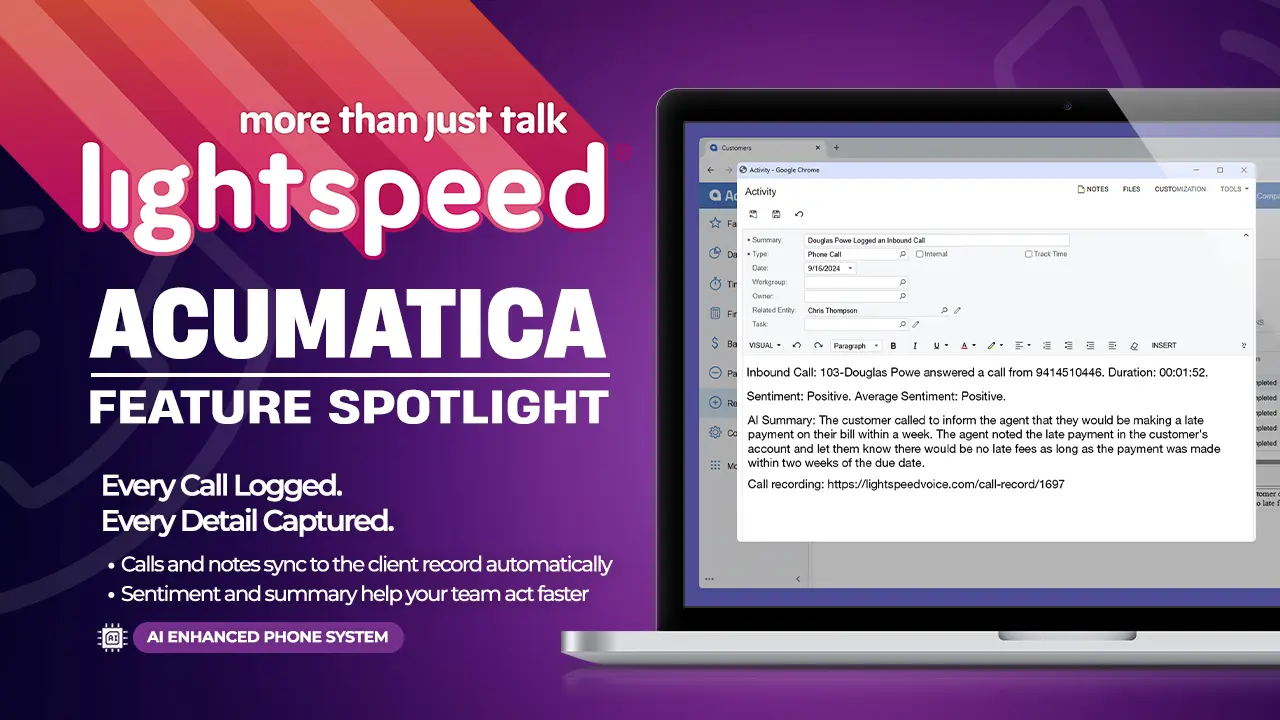
Acumatica

Integrations, ERP, Business Management

Cloud ERP that unifies financials, CRM, projects, and operations for growing businesses.

Supported Triggers

  • Call pop-up
  • Call Details Logged After Hangup
  • Text Message Sent
  • Text Message Received
  • Email Sent
  • Email Received
  • New Note Added
  • Fax Sent
  • Fax Received
  • Missed/Abandoned Call Logged
  • AI Call Summary Included (NOVA required)
  • Call Sentiment Included (NOVA required)
A
Acumatica Integration Setup

Support, Integrations, Acumatica, Setup

Connect Acumatica for call pops, logging, and AI summaries

A
Agency Matrix

Integrations, Insurance CRM, Marketing, Sales Automation

Reduce manual work with automated call logging and cleaner communication trails.

Supported Triggers

  • Call pop-up
A
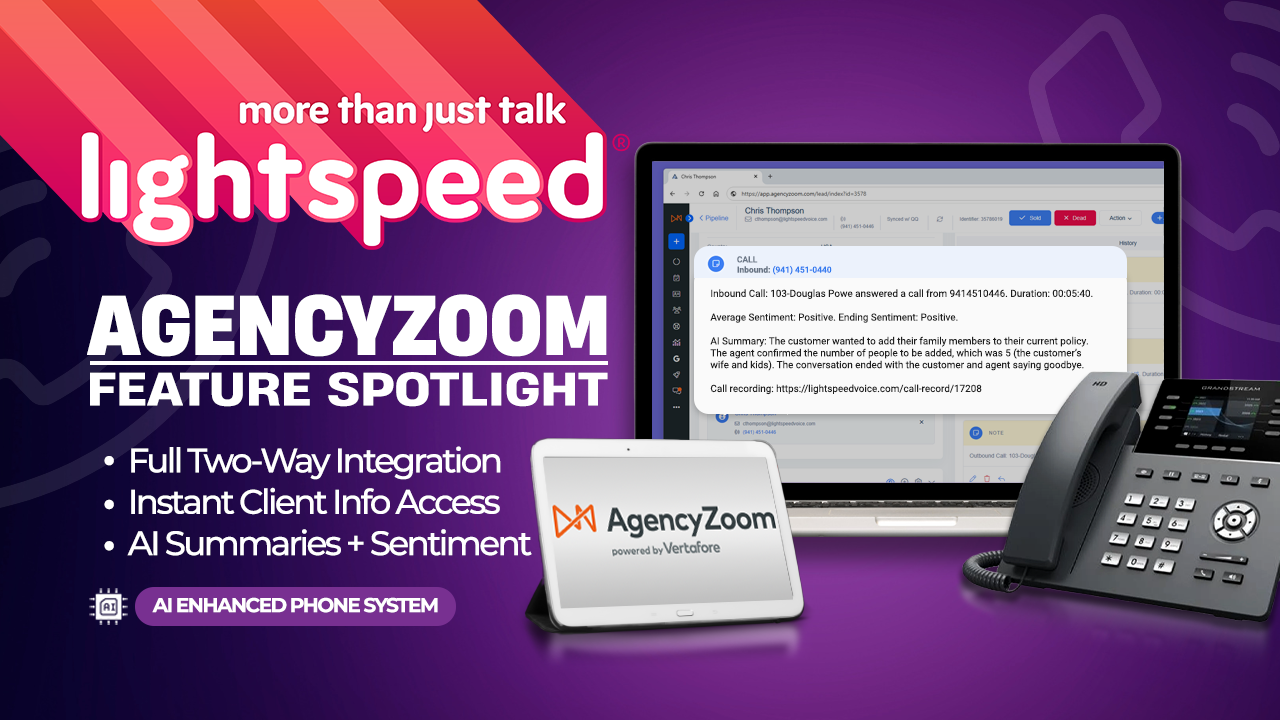
AgencyZoom

Integrations, Insurance CRM, Marketing, Sales Automation

Enhance your sales and service workflows with synced call activity, automated updates, and true account history.

Supported Triggers

  • Call pop-up
  • Call Details Logged After Hangup
  • Text Message Sent
  • Text Message Received
  • Email Sent
  • Email Received
  • New Note Added
  • Missed/Abandoned Call Logged
  • 2 way calling
  • 2 way texting (inbound)
  • AI Call Summary Included (NOVA required)
  • Call Sentiment Included (NOVA required)
A
AgencyZoom Integration Setup

Support, Integrations, AgencyZoom, Setup

Connect AgencyZoom for call pops, two-way texting, and AI summaries

A
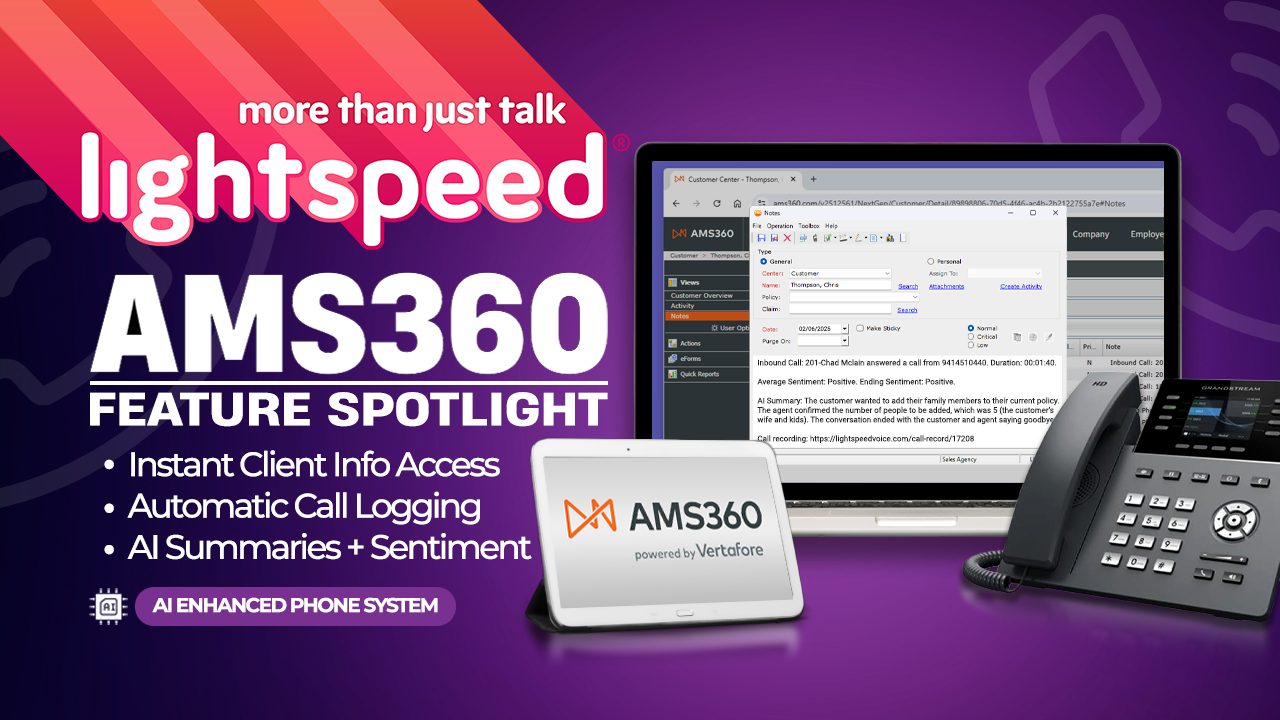
AMS360

Integrations, Insurance, AMS Platforms

Connect calls, notes, and activities to the right account, helping teams reduce manual entry and speed up follow-ups.

Supported Triggers

  • Call pop-up
  • Call Details Logged After Hangup
  • Text Message Sent
  • Text Message Received
  • Email Sent
  • Email Received
  • New Note Added
  • Missed/Abandoned Call Logged
  • AI Call Summary Included (NOVA required)
  • Call Sentiment Included (NOVA required)
A
AMS360 Integration Setup

Support, Integrations, AMS360, Setup

Connect AMS360 for call pops, logging, and AI summaries

A
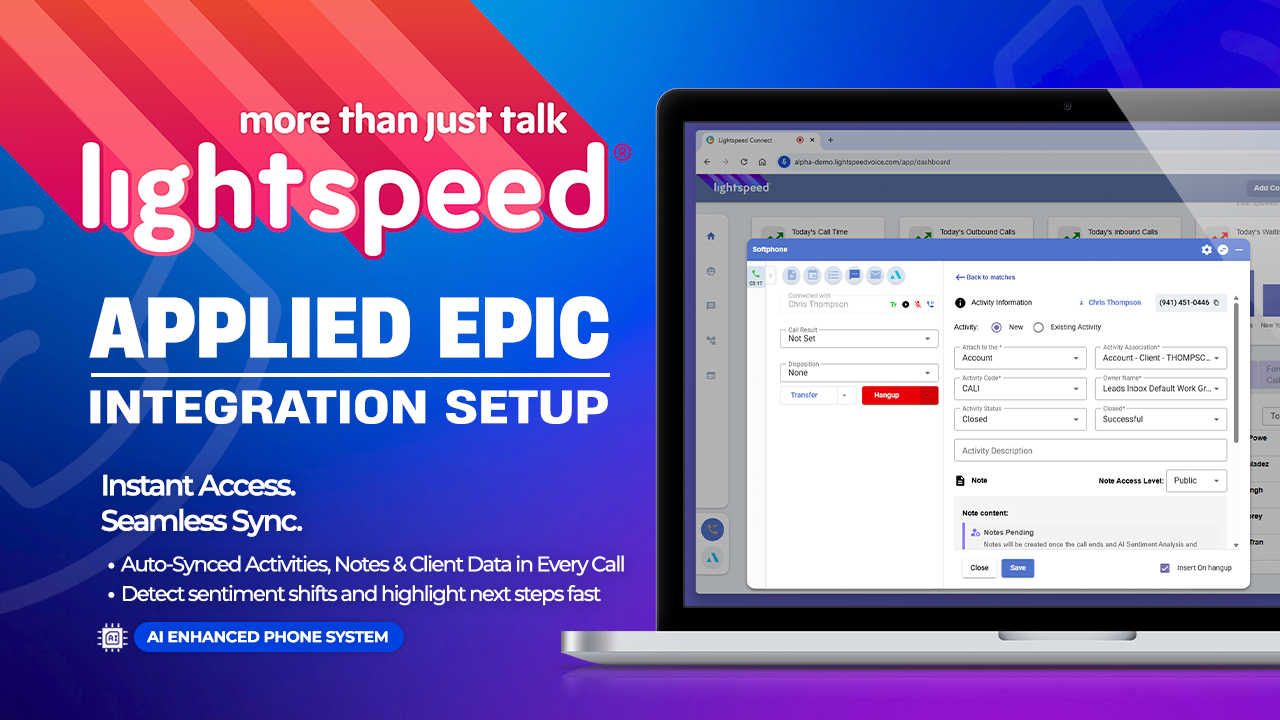
Applied Epic Integration Setup

Support, Integrations, Applied Epic, Setup

Connect Applied Epic for activity logging, call pops, and AI summaries

A

Downloads

Get the Orbit app on any device — desktop, iPhone, or Android
Mockup

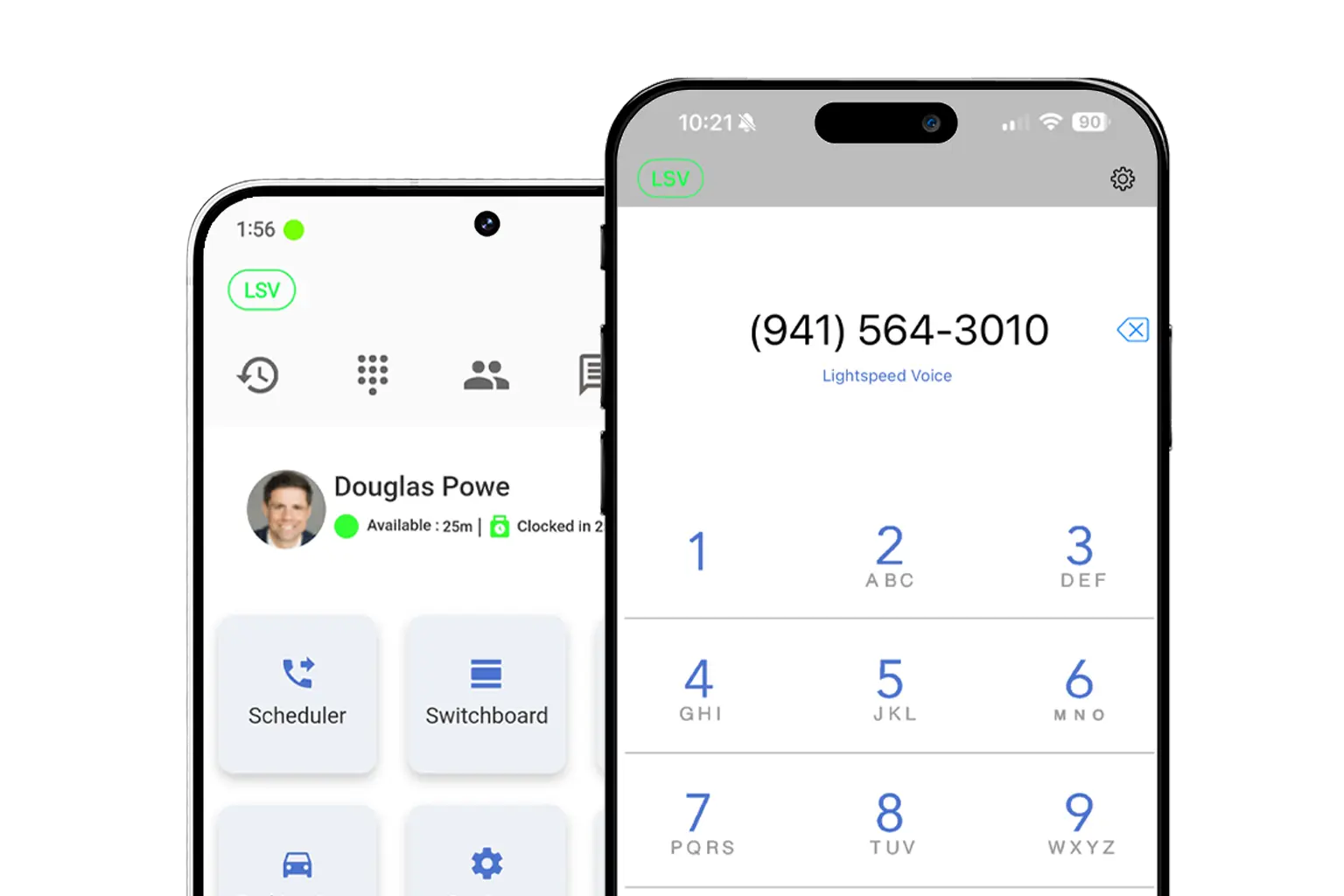
Download LS Orbit for Mobile

Stay connected on the go with the LS Orbit Mobile App for calls, messaging, and real-time tools wherever you work.
Get it on google play badge
Down on the App Store badge
Mockup

Download Orbit for Desktop

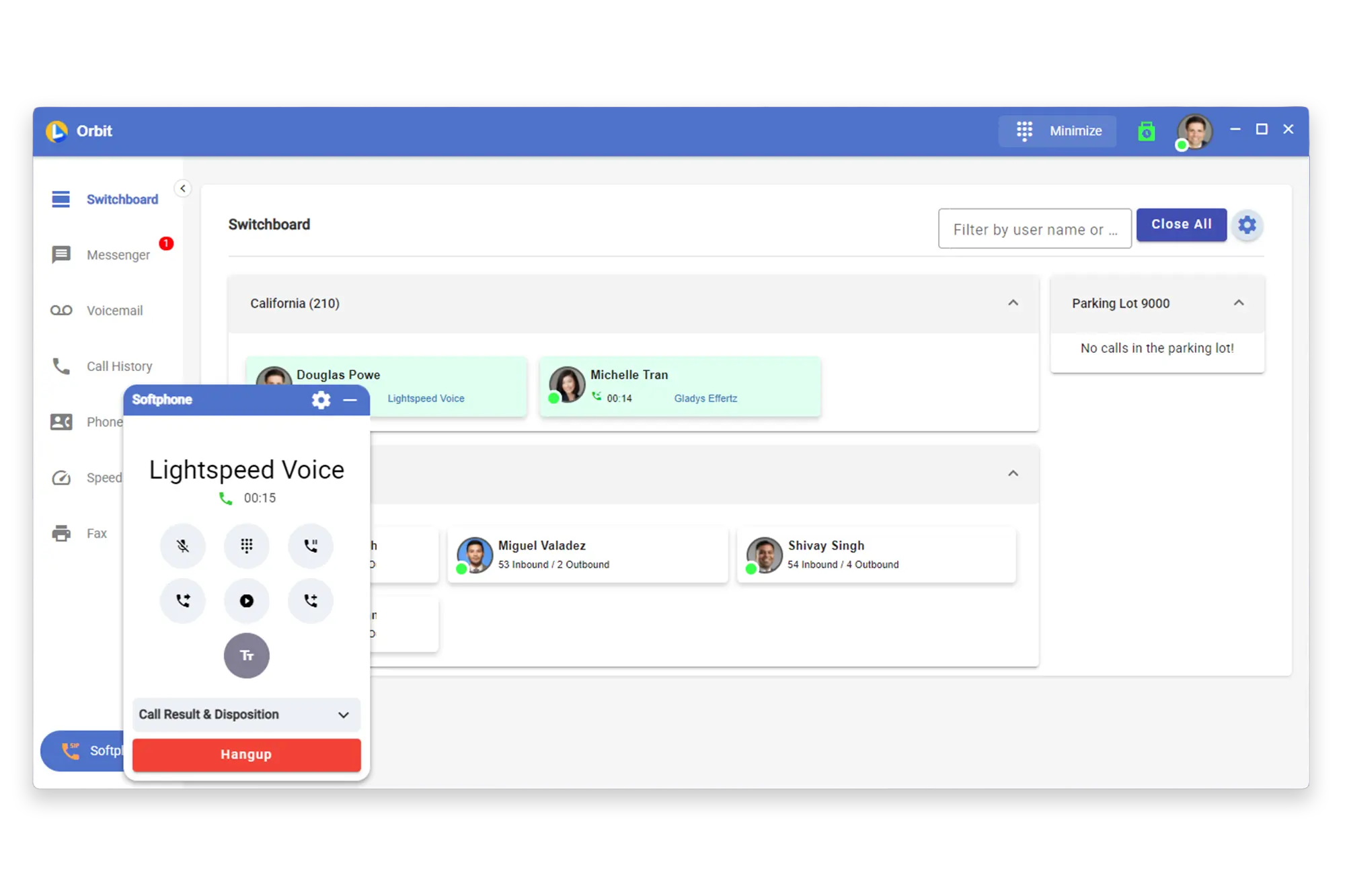
Stay connected with the softphone and sync data between Lightspeed Voice and your software.

Lucky the robot mascot giving a thumbs up

Need a hand?

Click below to talk with live support.

You've got questions.
We've got videos!

Learn the essentials of using Lightspeed Voice's Quantum, Connect and Automate.

Integrations How-to

Frequently Asked Questions

Quick answers to common questions

How do I set up my CRM integration?

Connect your HawkSoft, AMS360, or other CRM through the Orbit desktop app under Settings > Integrations. Supports auto call logging, NOVA AI summaries, and contact sync.

How do I configure call forwarding?

Set up unconditional, busy, no-answer, or time-based forwarding rules in your user portal under Call Settings. Forward to mobile, another extension, or voicemail.

How does NOVA AI work?

NOVA transcribes every call in real time, generates a plain-language summary, identifies action items, and syncs everything to your CRM automatically.

How do I add users to my account?

Go to Admin Panel > User Management and click + Add User. Assign a role (User, Supervisor, or Administrator), set an extension, and send a welcome email invite.

What phones are supported?

We support Grandstream (GRP/GXP series), Yealink (T3x/T4x/T5x), and Poly (VVX/Trio) desk phones, plus the Orbit desktop app for Windows/macOS and mobile app for iOS/Android.

Want some 1-on-1 time with our Sales Team?

Schedule a free product demo and learn what Quantum can do for you!