Lightspeed Voice Support and Customer Help Center
Find answers, download apps, watch tutorials, and contact our team — we're here to help you succeed.

Find answers, download apps, watch tutorials, and contact our team — we're here to help you succeed.
Find articles, setup guides, troubleshooting tips, and answers by keyword. Start typing to instantly narrow the results.
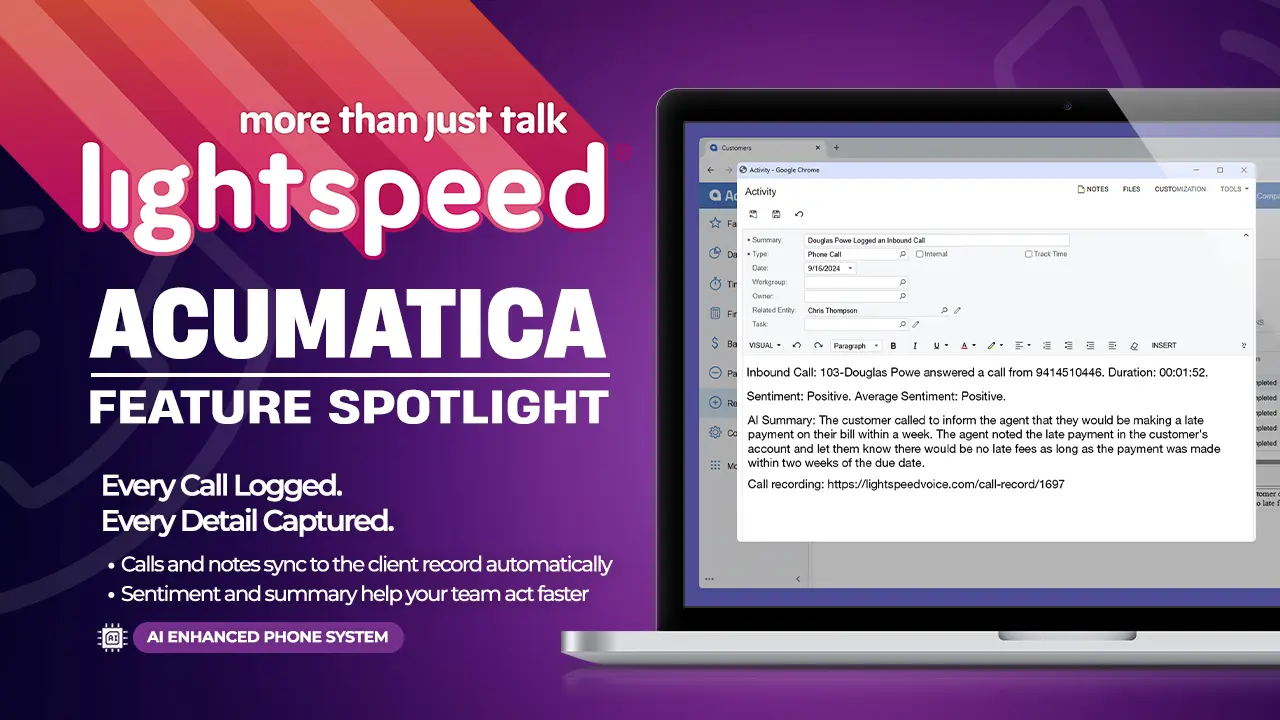
Acumatica Feature

Acumatica Integration
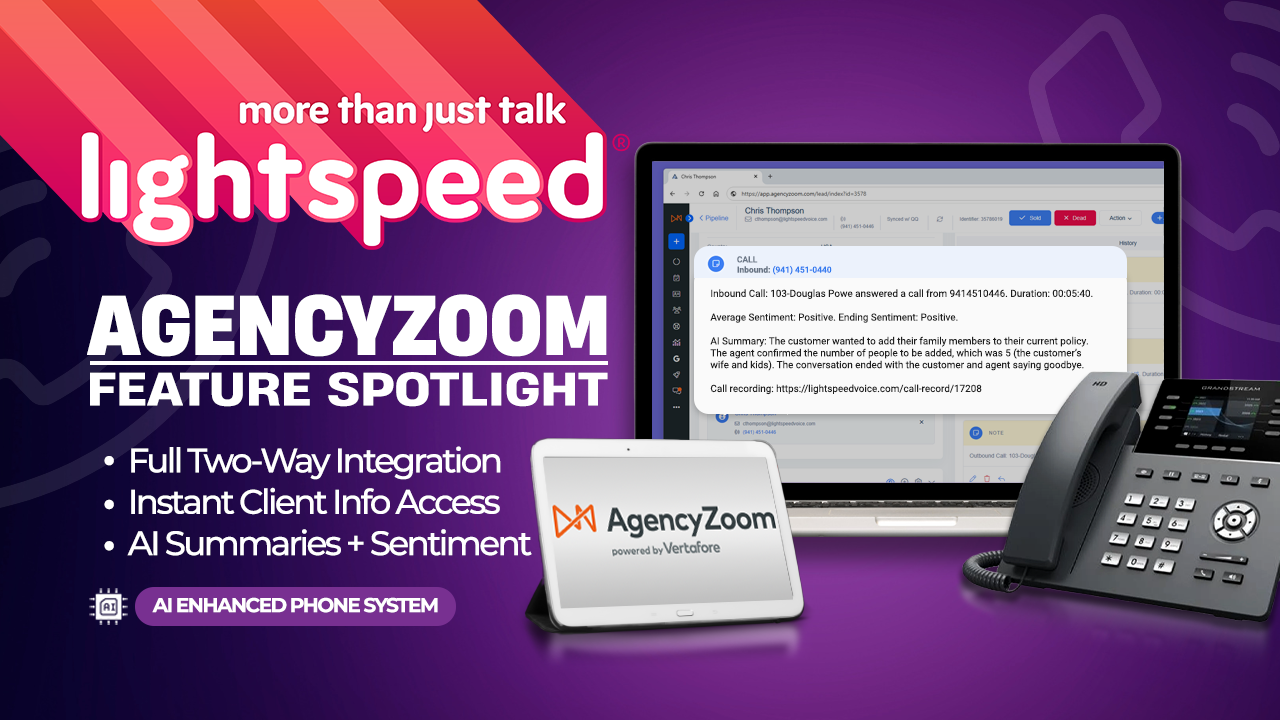
AgencyZoom Feature

AgencyZoom Integration
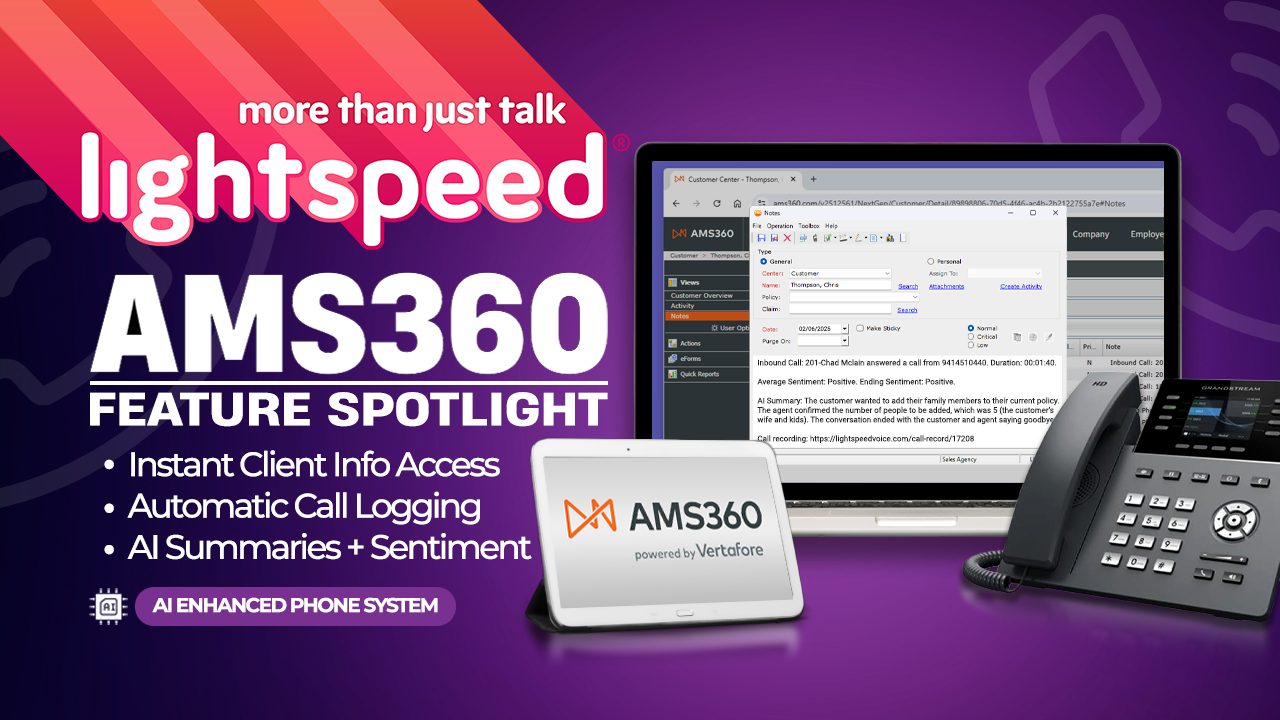
AMS360 Feature
AMS360 Integration

Applied Epic Feature
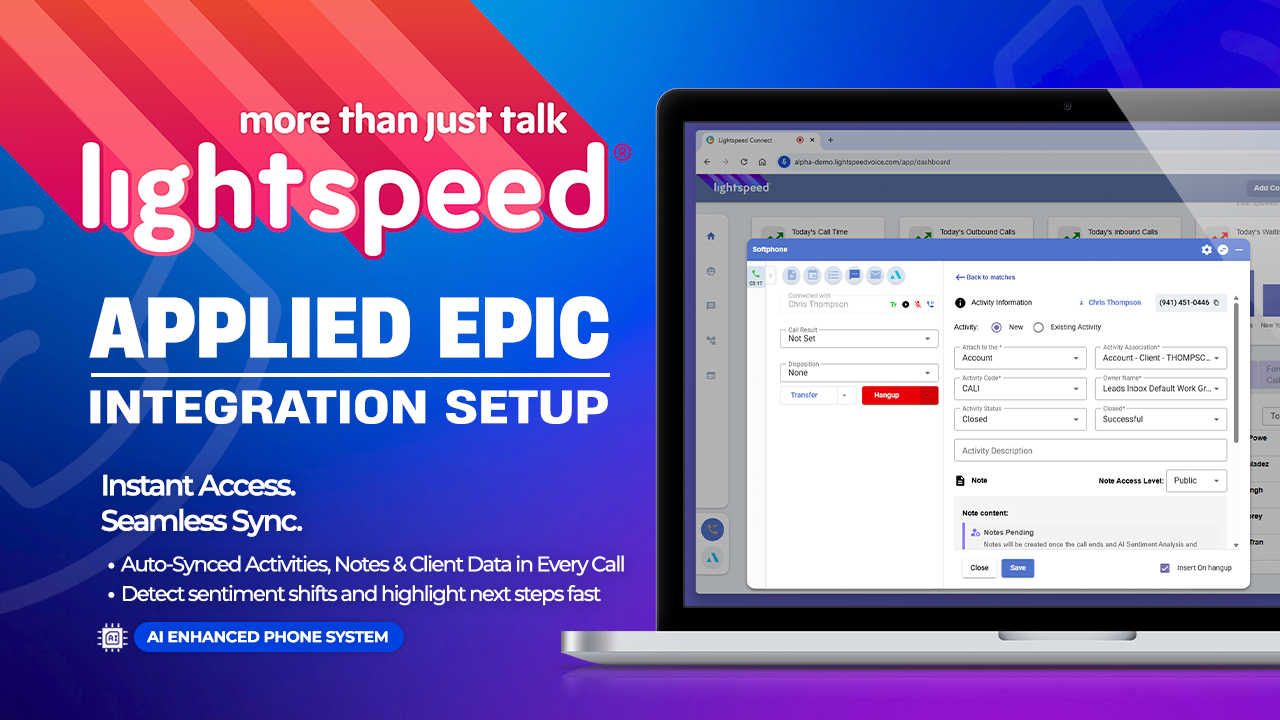
Applied Epic Integration
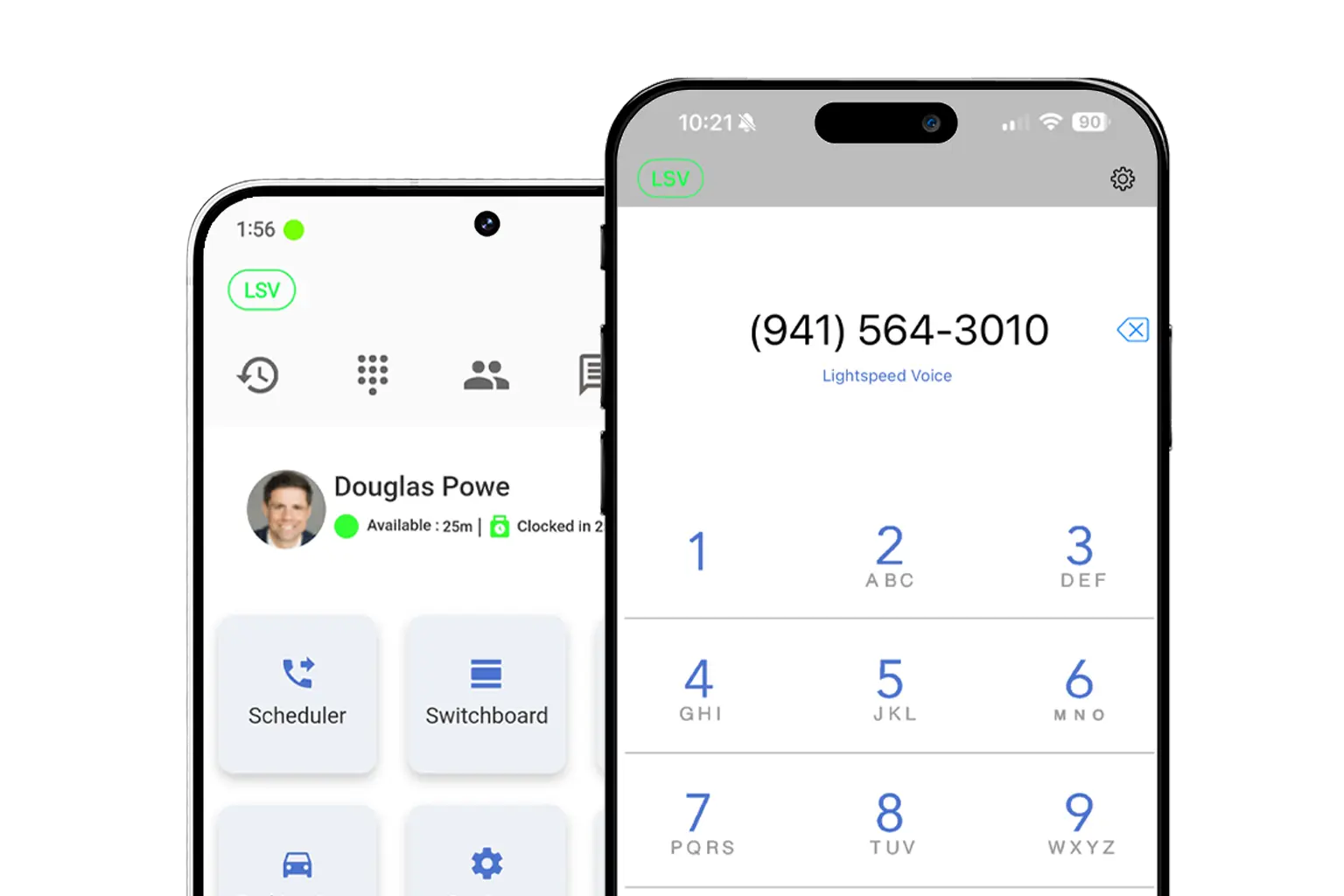
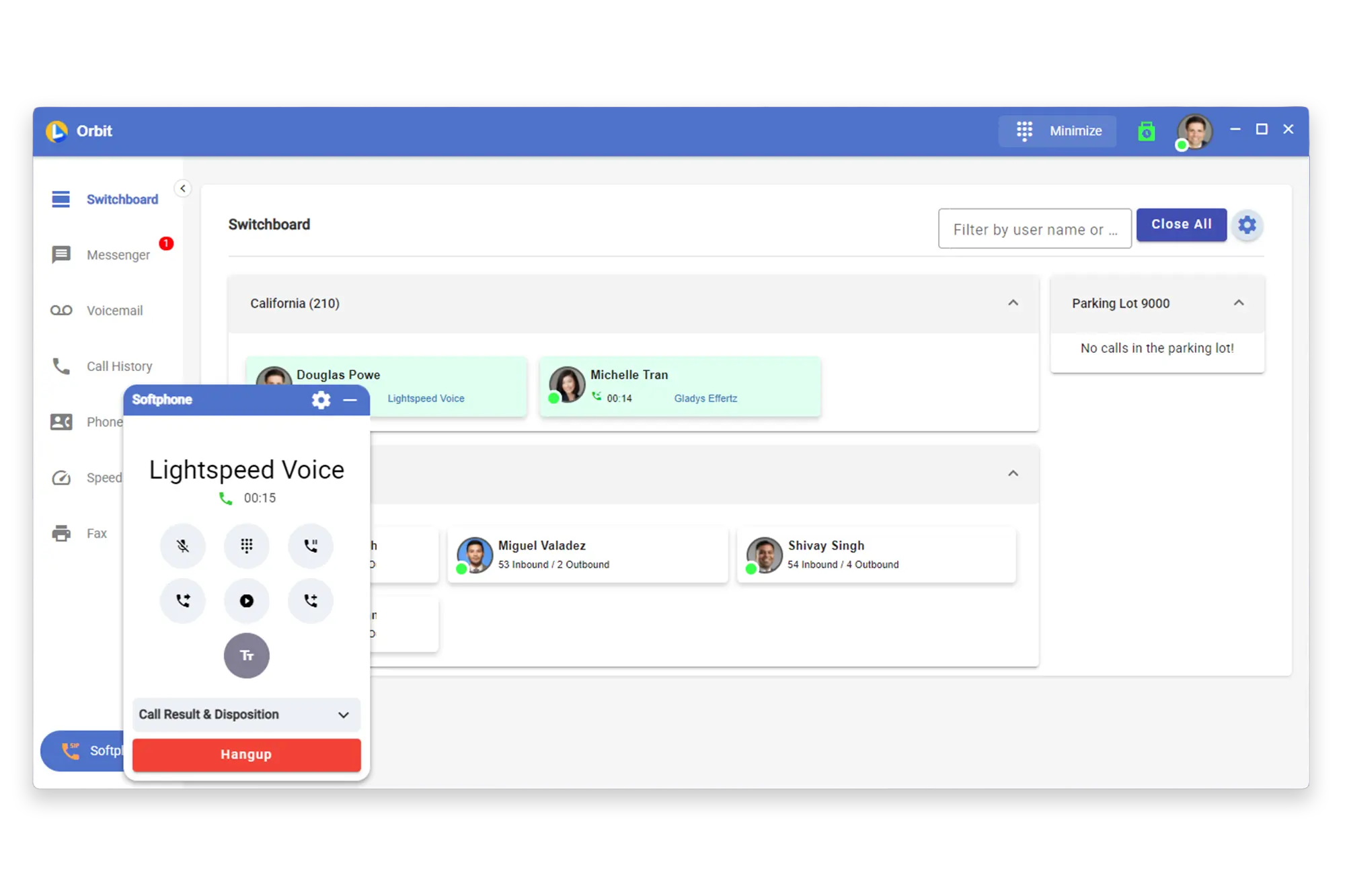
Get the Orbit app on any device — desktop, iPhone, or Android


Quick access to our most popular help topics

Learn the essentials of using Lightspeed Voice's Quantum, Connect and Automate.
Quick answers to common questions
How do I set up my CRM integration?
Connect your HawkSoft, AMS360, or other CRM through the Orbit desktop app under Settings > Integrations. Supports auto call logging, NOVA AI summaries, and contact sync.
How do I configure call forwarding?
Set up unconditional, busy, no-answer, or time-based forwarding rules in your user portal under Call Settings. Forward to mobile, another extension, or voicemail.
How does NOVA AI work?
NOVA transcribes every call in real time, generates a plain-language summary, identifies action items, and syncs everything to your CRM automatically.
How do I add users to my account?
Go to Admin Panel > User Management and click + Add User. Assign a role (User, Supervisor, or Administrator), set an extension, and send a welcome email invite.
What phones are supported?
We support Grandstream (GRP/GXP series), Yealink (T3x/T4x/T5x), and Poly (VVX/Trio) desk phones, plus the Orbit desktop app for Windows/macOS and mobile app for iOS/Android.
Schedule a free product demo and learn what Quantum can do for you!