Lightspeed Voice Support and Customer Help Center

Our support team is always available to help with any communication challenges you may have. With Lightspeed Voice, you'll never feel stranded.

Luck the robot with shapes behind him holding  aphone.

Search the Support Library

Find articles, setup guides, troubleshooting tips, and answers by keyword. Start typing to instantly narrow the results.

Thank you! Your submission has been received!
Oops! Something went wrong while submitting the form.
Dial Plans

Dial Plans are strings of characters that convert dialed numbers into outbound dial strings. They can act as filters by allowing, disallowing, or modifying dialed numbers. When a dialed number matches a set Dial Plan on the device, the device will send the numbers outbound. Dial Plans can prevent calls to specific destinations like 411 and International Numbers or add an area code for 7-digit dialing. Dial Plans may look alike across manufacturers but can differ. Although most Dial Plans are based on MGCP, they may have modifications for different purposes.

D
DID Extension

A specific phone within a PBX which can be called from the public telephone network without going through an attendant or auto-attendant.

D
DID Number

A phone number routed from the network to a specific phone in a PBX requires unique DID trunks or ISDN PRI “two-way DID” trunks. Blocks of DID numbers (typically 10 or 20) are purchased from the LEC or CLEC for use on the PBX. The number of DID numbers usually substantially exceeds the number of trunks in the system.

D
Does call pop trigger on blind transfer, warm transfer, and park?

Yes. These transfer scenarios are included in the call pop trigger behavior.

Does Lightspeed Voice integrate with CRM systems?

Yes, Lightspeed Voice offers native integrations with major CRM platforms including Salesforce, HubSpot, and Zendesk. The API also supports custom integrations with any CRM system that can make REST API calls.

D
Do we allow third party texting with HubSpot using LSV numbers?

No. HubSpot cannot send text messages using LSV phone numbers outside of the Lightspeed Voice platform.

Do we get all current texting functionality?

No. Group texting is restricted due to TCR compliance requirements.

Drag and Drop Call Transfers

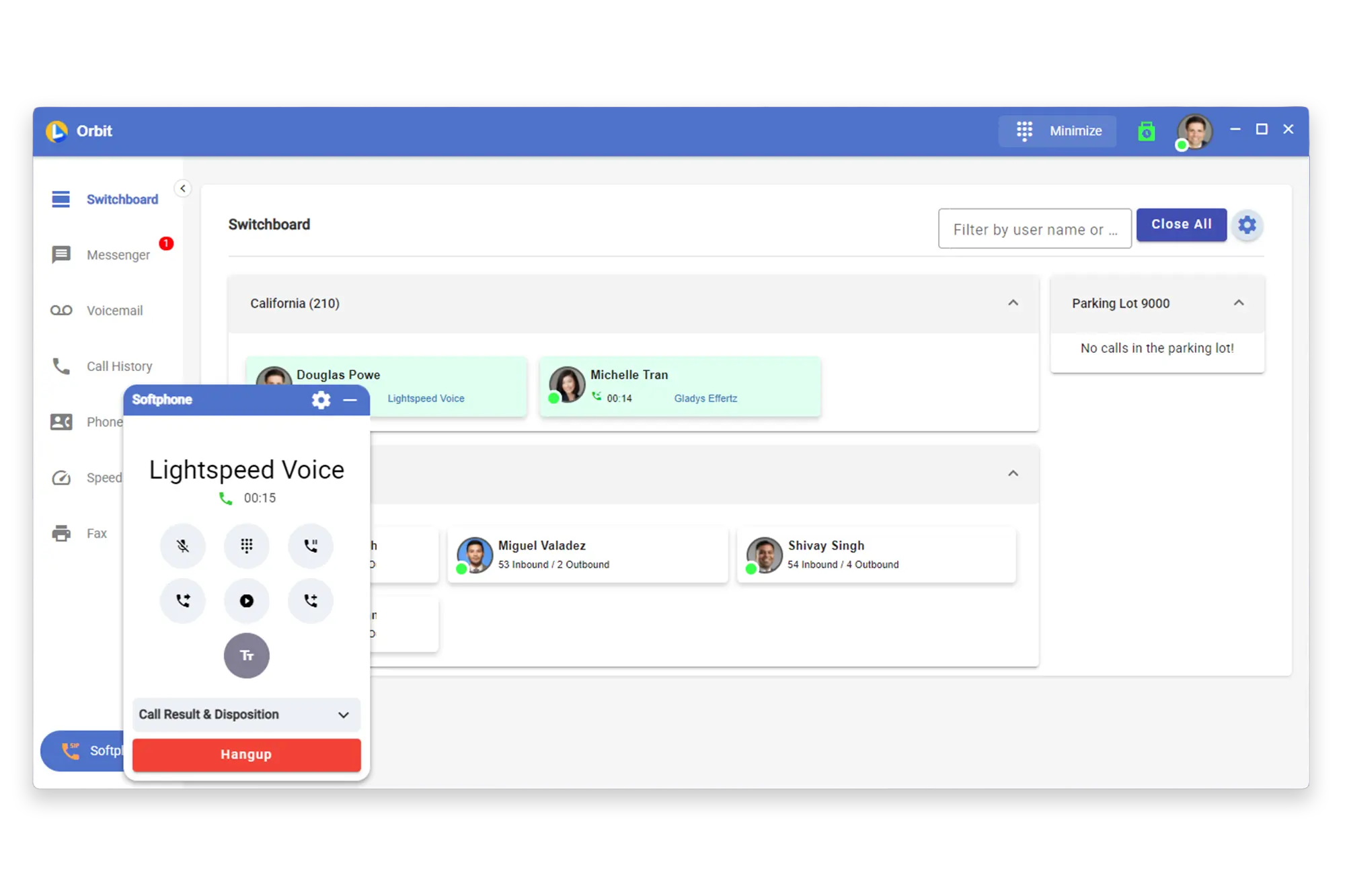
Transfer calls easily with drag and drop call transfers to speed up workflow and customer service.

D
E-911

In the United States, there is a designated phone number for emergencies related to police, fire, or medical assistance. This number is assigned under the North American Numbering Plan (NANP), and is answered by a telephone operator or an emergency service dispatcher. They will then notify the appropriate emergency service to respond to the situation.

E
E-Fax

Phone system software that can turn a user’s computer or mobile device into its fax machine. The software can automatically detect a fax tone from the caller and begin receiving and processing the image of the incoming document. The software can then generate an image or PDF and place it in the receiver’s e-mail. Outgoing faxes are handled by scanning pictures or taking photos with a mobile device and uploading them to email, which can dial fax numbers and electronically transmit the image to the recipient.

E
Acumatica

ERP & Business Management

Cloud ERP that unifies financials, CRM, projects, and operations for growing businesses.

Supported Triggers

• Call data on hangup (outbound) • Text sent • Text received • Email sent • Email received • Note created • Fax Sent • Fax Received • Abandoned Calls

A

Acumatica Feature

Acumatica Integration

Agency Matrix

Insurance CRM, Marketing & Sales Automation

Reduce manual work with automated call logging and cleaner communication trails.

Supported Triggers

• Text sent • Text received • 2 way calling

A
AgencyZoom

Insurance CRM, Marketing & Sales Automation

Enhance your sales and service workflows with synced call activity, automated updates, and true account history.

Supported Triggers

Call data on hangup (outbound), Text sent, Text received, Email sent, Email received, Note created, Abandoned Calls, 2 way calling, 2 way texting (inbound)

A
AMS360

Insurance AMS Platforms

Connect calls, notes, and activities to the right account, helping teams reduce manual entry and speed up follow-ups.

Supported Triggers

• Call data on hangup (outbound) • Text sent • Text received • Email sent • Email received • Note created • Abandoned Calls

A

AMS360 Feature

AMS360 Integration

Applied Epic

Insurance AMS Platforms

Sync call details, summaries, recordings, and tasks directly into the client record to keep every interaction organized.

Supported Triggers

• Call data on hangup (outbound) • Note created

A

Applied Epic Feature

Applied Epic Integration

Blitz Sales Software

Insurance CRM, Marketing & Sales Automation

Keep sales activity visible with call updates and organized client conversation tracking.

Supported Triggers

• Abandoned Calls

B
BlueC

Insurance CRM, Marketing & Sales Automation

Call guidance and activity-logging solution built for agencies that integrates with AMS platforms.

Supported Triggers

• Prospect created • Prospect deleted • Prospect updated

B

blueButler Feature

blueButler Integration

ClientCircle

Insurance CRM, Marketing & Sales Automation

Marketing and relationship platform for agencies, covering campaigns, reviews, and client touchpoints.

Supported Triggers

• Text sent • Text received • 2 way texting (inbound)

C

ClientCircle Feature

ClientCircle Integration

EZLynx

Insurance AMS Platforms

Support smoother operations with synced call activity and reliable conversation history inside EZLynx.

Supported Triggers

• Call data on hangup (outbound) • Text sent • Text received • Email sent • Email received • Note created • Abandoned Calls

E

EZLynx Feature

EZLynx Integration

Hubspot

General Business, Productivity & Automation

CRM and marketing suite for sales, marketing, and service teams.

Supported Triggers

• Call data on hangup (outbound) • Text sent • Text received • Email sent • Email received • Note created • Abandoned Calls

H

HubSpot Feature

HubSpot Integration

InsuredMine

Insurance CRM, Marketing & Sales Automation

Insurance-specific CRM and engagement platform for pipelines, automation, and retention campaigns.

Supported Triggers

• Call data on hangup (outbound) • Text sent • Text received • Email sent • Email received • Note created • Abandoned Calls

I

InsuredMine Feature

InsuredMine Integration

Momentum AMP

Insurance AMS Platforms

Deliver clean, organized call records to Momentum and help your team move faster between accounts.

Supported Triggers

• Call data on hangup (outbound) • Text sent • Text received • Email sent • Email received • Note created • Abandoned Calls

M

Momentum Integration

Momentum Feature

QQ Catalyst

Insurance AMS Platforms

Keep client details complete with call logs, recordings, and automated summaries tied to each account.

Supported Triggers

• Call data on hangup (outbound) • Text sent • Text received • Email sent • Email received • Note created • Abandoned Calls

Q

QQCatalyst Feature

QQCatalyst Integration

Redtail

Financial Advisor CRM Platforms

Long-standing advisor CRM focused on compliant workflows and integration with planning tools.

Supported Triggers

• Call data on hangup (outbound) • Text sent • Text received • Email sent • Email received • Note created • Plan item sent • Plan applied • Plan completed • Plan item postponed • Plan postponed • Abandoned Calls

R

Redtail Feature

Redtail Integration

Salesforce

General Business, Productivity & Automation

Enterprise CRM platform with deep customization and integration options.

Supported Triggers

• Call data on hangup (outbound) • Text sent • Text received • Email sent • Email received • Note created • Abandoned Calls

S

Salesforce Feature

Salesforce Integration

Shape

Insurance CRM, Marketing & Sales Automation

Enhance pipeline management with synced call activity and cleaner lead follow-up.

Supported Triggers

• Call data on hangup (outbound) • 2 way calling

S

Shape Feature

Shape Integration

Wealthbox

Financial Advisor CRM Platforms

Advisor CRM that streamlines client tracking, workflows, and day-to-day tasks.

Supported Triggers

• Call data on hangup (outbound) • Text sent • Text received • Email sent • Email received • Note created • Abandoned Calls

W
Xanatek

Insurance AMS Platforms

Management system used by insurance agencies to organize policy, client, and workflow data.

Supported Triggers

• Call data on hangup (outbound)

X

Xanatek Feature

Xanatek Integration

Zapier

General Business, Productivity & Automation

Automation hub that connects apps and passes data between systems.

Supported Triggers

• Call data on hangup (outbound) • Text sent • Text received • Email sent • Email received • Note created • Abandoned Calls

Z
Zoho CRM

Insurance CRM, Marketing & Sales Automation

A cloud-based CRM platform used to manage sales, customer interactions, and automated workflows.

Supported Triggers

• Call data on hangup (outbound) • Text sent • Text received • Email sent • Email received • Note created • Abandoned Calls

Z

ZohoCRM Feature

ZohoCRM Integration

Zoiper

Telephony & Devices

A cross-platform VoIP softphone that enables calling and messaging through software instead of a desk phone.

Supported Triggers

• Call data on hangup (outbound)

Z
Call Recording Setup

Trending Topic

Enable and manage call recording for your team

View Support Article >

C
Connect

Product

VoIP-only service for basic calling needs

View Support Article >

C
Downloads

Article

Apps, manuals, and setup guides

View Support Article >

D
Downloads Center

Resource

Apps and resources

View Support Article >

D
How does NOVA AI work?

FAQ

AI-powered call insights explained

View Support Article >

H
How do I add users to my account?

FAQ

Grow your team

View Support Article >

H
How do I configure call forwarding?

FAQ

Route calls to any device

View Support Article >

H
How do I set up my CRM integration?

FAQ

Connect your CRM in minutes

View Support Article >

H
Integrations

Product

CRM and third-party connections

View Support Article >

I
Lightspeed Voice

Product

Complete business phone solution with integrations

View Support Article >

L
Live Support

Resource

Chat or call with our team

View Support Article >

L
NOVA

Product

AI-powered call insights and automation

View Support Article >

N
NOVA AI Features

Article

Call transcription and AI-powered summaries

View Support Article >

N
NOVA AI Setup

Trending Topic

Get up and running with AI call insights

View Support Article >

N
Orbit Apps

Product

Desktop and mobile calling explained

View Support Article >

O
Phone Configuration

Article

Set up desk phones and mobile calling

View Support Article >

P
Setting Up Integrations

Article

Connect HawkSoft, AMS360, and other CRM systems

View Support Article >

S
System Status

Resource

Check service uptime and incidents

View Support Article >

S
Technical Requirements

Article

Network setup and system specifications

View Support Article >

T
Training Videos

Resource

Step-by-step video tutorials

View Support Article >

T
What phones are supported?

FAQ

Compatible desk phones and apps

View Support Article >

W

Downloads

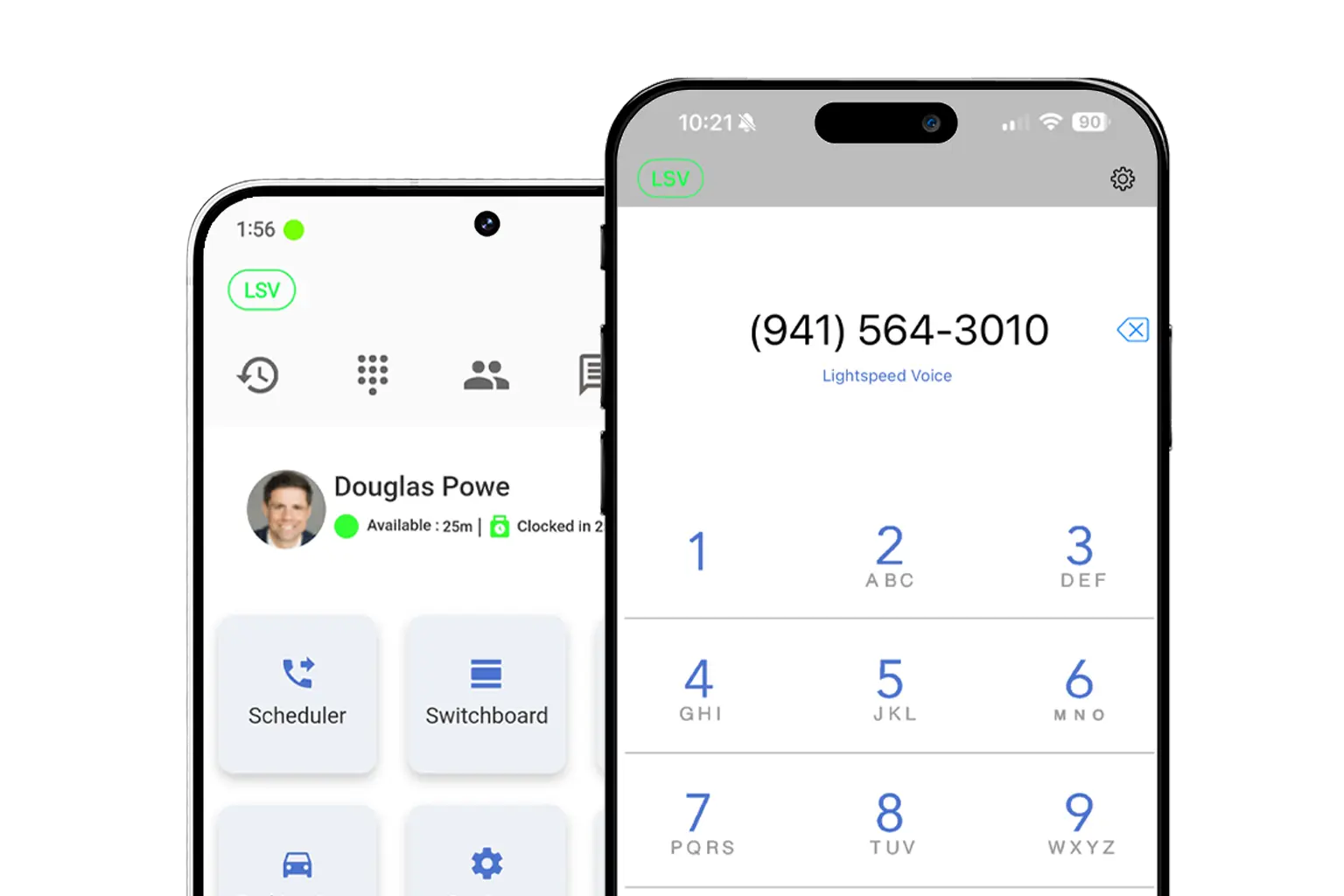
Get the Orbit app on any device — desktop, iPhone, or Android
Mockup

Download LS Orbit for Mobile

Stay connected on the go with the LS Orbit Mobile App for calls, messaging, and real-time tools wherever you work.
Get it on google play badge
Down on the App Store badge
Mockup

Download Orbit for Desktop

Stay connected with the softphone and sync data between Lightspeed Voice and your software.

Need a hand?

Click below to talk with live support.

You've got questions.
We've got videos!

Learn the essentials of using Lightspeed Voice's Quantum, Connect and Automate.

Integrations How-to

Frequently Asked Questions

Quick answers to common questions

How do I set up my CRM integration?

Connect your HawkSoft, AMS360, or other CRM through the Orbit desktop app under Settings > Integrations. Supports auto call logging, NOVA AI summaries, and contact sync.

How do I configure call forwarding?

Set up unconditional, busy, no-answer, or time-based forwarding rules in your user portal under Call Settings. Forward to mobile, another extension, or voicemail.

How does NOVA AI work?

NOVA transcribes every call in real time, generates a plain-language summary, identifies action items, and syncs everything to your CRM automatically.

How do I add users to my account?

Go to Admin Panel > User Management and click + Add User. Assign a role (User, Supervisor, or Administrator), set an extension, and send a welcome email invite.

What phones are supported?

We support Grandstream (GRP/GXP series), Yealink (T3x/T4x/T5x), and Poly (VVX/Trio) desk phones, plus the Orbit desktop app for Windows/macOS and mobile app for iOS/Android.

Want some 1-on-1 time with our Sales Team?

Schedule a free product demo and learn what Quantum can do for you!