Lightspeed Voice Support and Customer Help Center

Find answers, download apps, watch tutorials, and contact our team — we're here to help you succeed.

Luck the robot with shapes behind him holding  aphone.

Search the Support Library

Find articles, setup guides, troubleshooting tips, and answers by keyword. Start typing to instantly narrow the results.
Thank you! Your submission has been received!
Oops! Something went wrong while submitting the form.
PBX

Phone Configuration, Telephony, Definition

A Private Branch Exchange, also known as a PABX or Private Automatic Branch Exchange, is a telephony system that works as a customer's premises through trunk lines. Initially, PBXs were like a small telephone company switchboard, where users would rely on an operator to handle incoming and outgoing calls with the Public Switched Telephone Network (PSTN). However, users can now dial directly without an operator, and computer telephony platforms like automated attendants can also automatically route incoming calls.

P
Phonebook Guide

Support, Phonebook, Contacts

Manage shared and personal contacts in the Lightspeed Voice Dashboard

P
Porting

Phone Numbers, Account Management, Definition

Transferring an existing phone number from one carrier/provider to another is called number porting.

P
QoS (quality of service)

Technical Requirements, Network, Definition

Network performance refers to the efficiency of a network, including its applications, hosts, and infrastructure devices, in delivering traffic with minimal delay and maximum availability.

Q
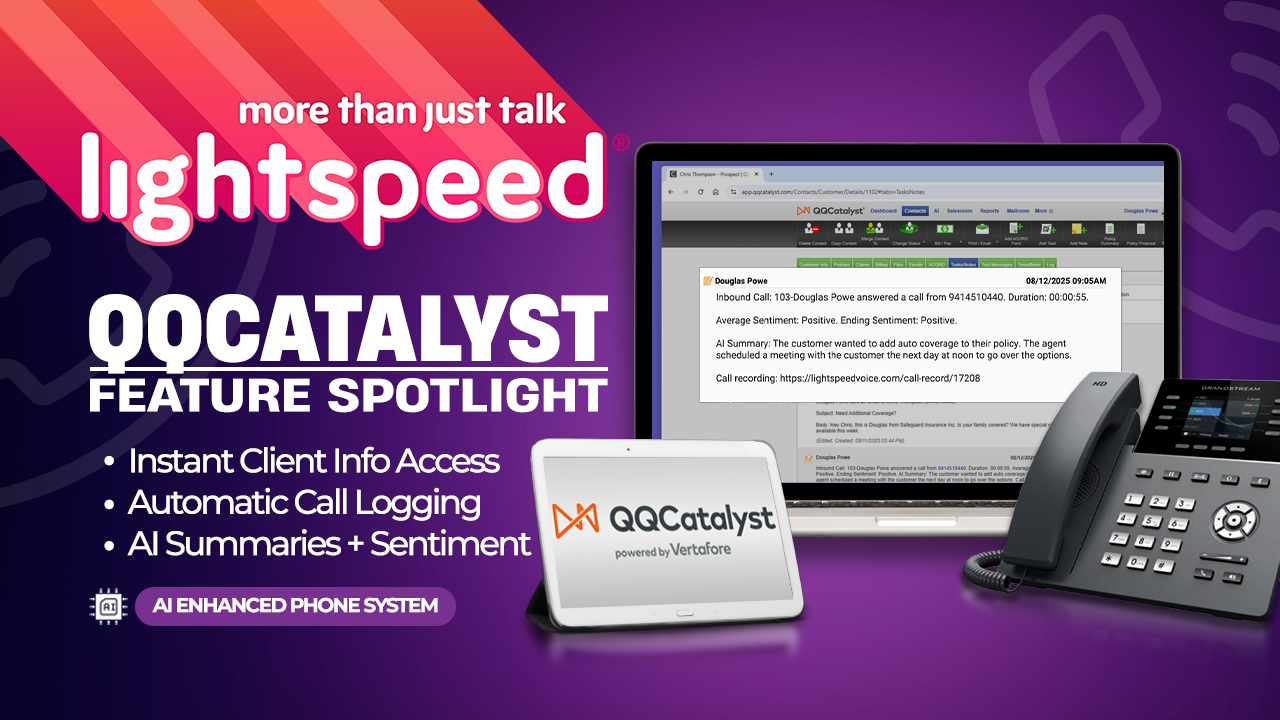
QQCatalyst

Integrations, Insurance, AMS Platforms

Keep client details complete with call logs, recordings, and automated summaries tied to each account.

Supported Triggers

  • Call pop-up
  • Call Details Logged After Hangup
  • Text Message Sent
  • Text Message Received
  • Email Sent
  • Email Received
  • New Note Added
  • Missed/Abandoned Call Logged
  • AI Call Summary Included (NOVA required)
  • Call Sentiment Included (NOVA required)
Q
QQCatalyst Integration Setup

Support, Integrations, QQCatalyst, Setup

Connect QQCatalyst for call pops, logging, and communication history

Q
Redtail

Integrations, Financial Advisor, CRM Platforms

Long-standing advisor CRM focused on compliant workflows and integration with planning tools.

Supported Triggers

  • Call pop-up
  • Call Details Logged After Hangup
  • Text Message Sent
  • Text Message Received
  • Email sent
  • Email received
  • New Note Added
  • Appointment Reminder Sent
  • Plan item sent
  • Missed/Abandoned Call Logged
  • AI Call Summary Included (NOVA required)
  • Call Sentiment Included (NOVA required)
R
Ring Groups & Queues

Support, Ring Groups, Call Routing

Route inbound calls to the right team automatically

R
Roles & Permissions

Support, Account Management, Permissions

Control what each user can see and do

R
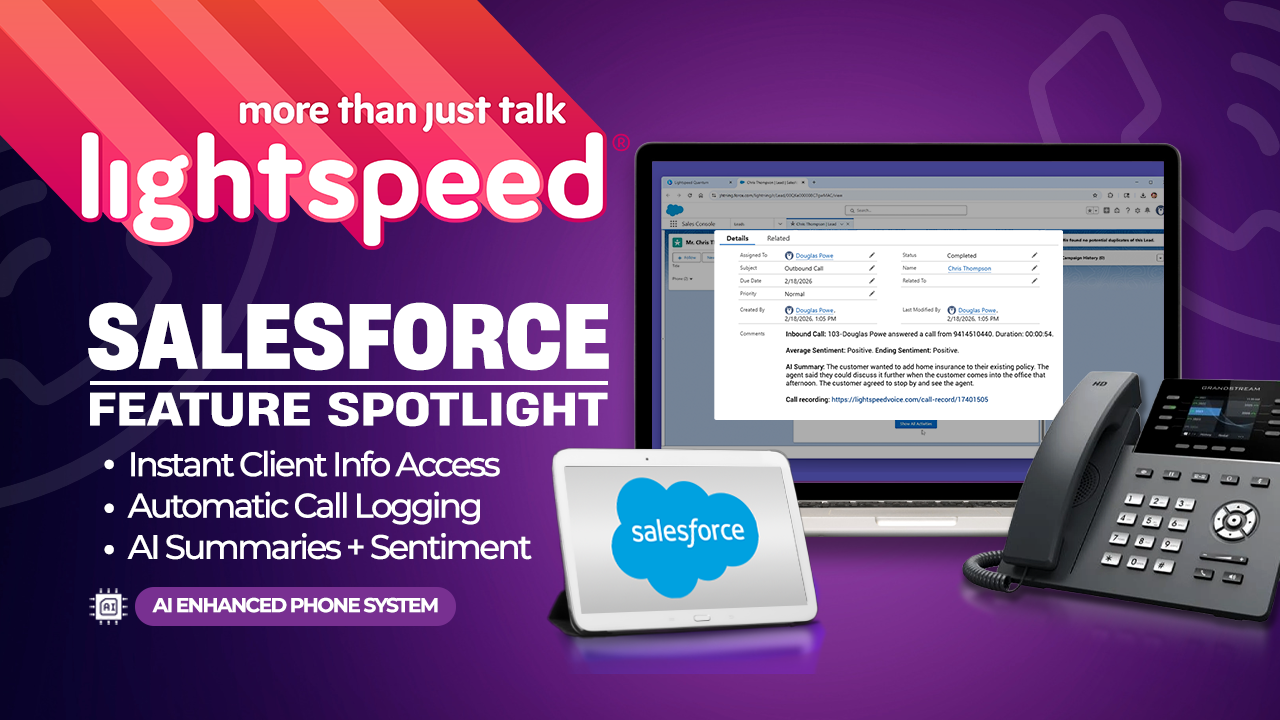
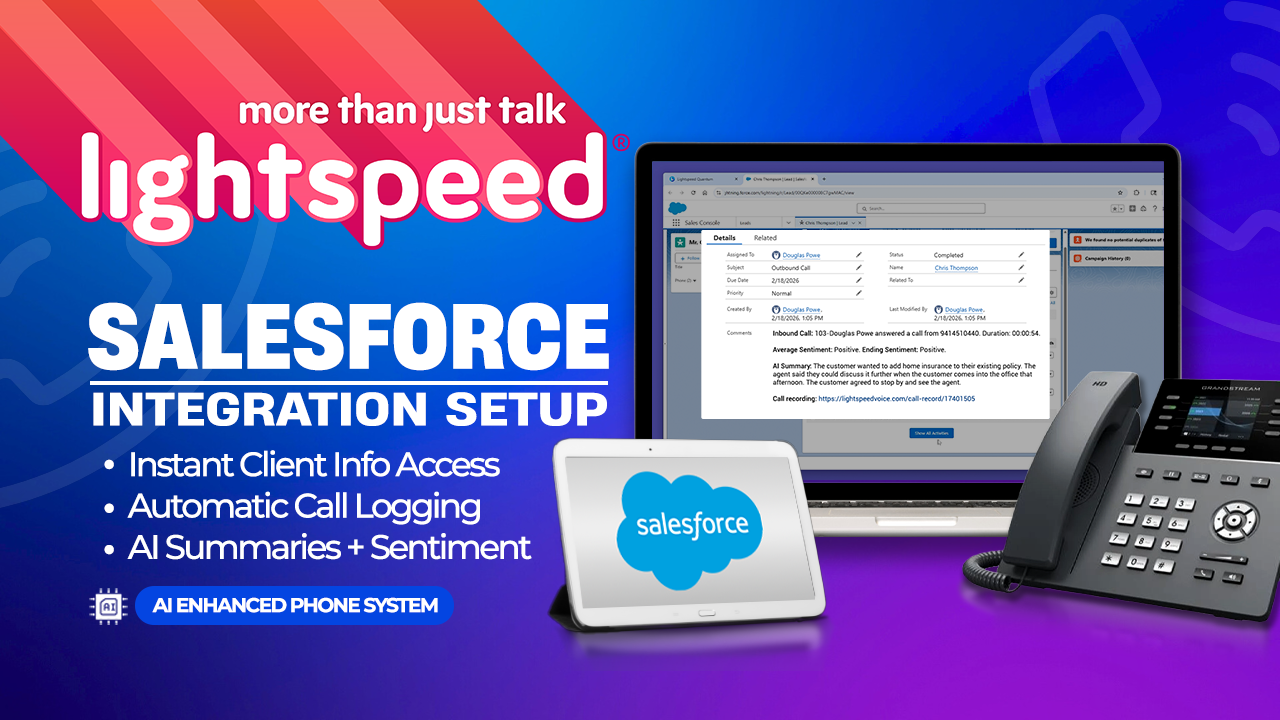
Salesforce

Integrations, CRM, Enterprise

Enterprise CRM platform with deep customization and integration options.

Supported Triggers

  • Call pop-up
  • Call Details Logged After Hangup
  • Text Message Sent
  • Text Message Received
  • Email sent
  • Email received
  • Prospect Created
  • Prospect Deleted
  • Prospect Updated
  • New Note Added
  • Missed/Abandoned Call Logged
  • AI Call Summary Included (NOVA required)
  • Call Sentiment Included (NOVA required)
S

Downloads

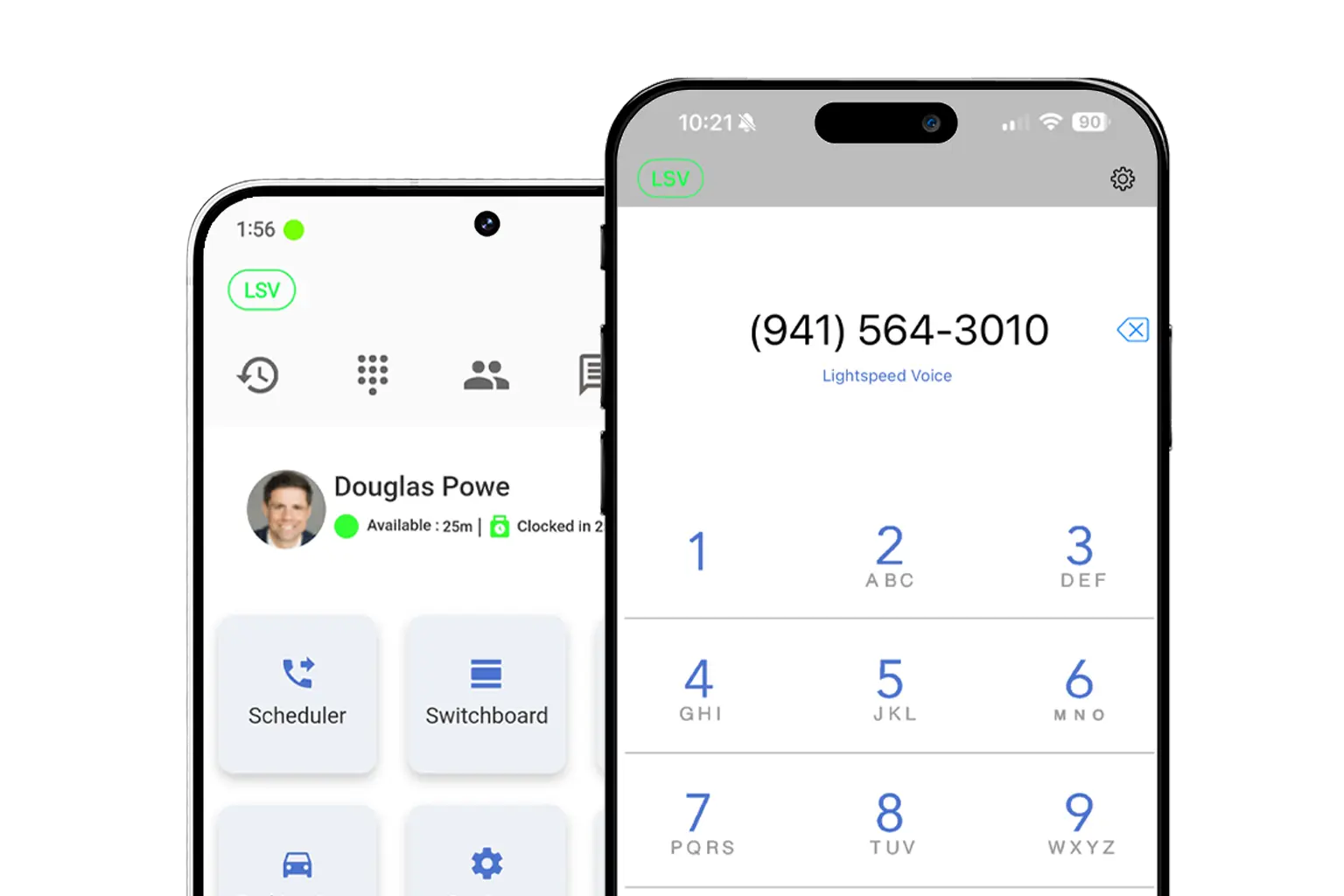
Get the Orbit app on any device — desktop, iPhone, or Android
Mockup

Download LS Orbit for Mobile

Stay connected on the go with the LS Orbit Mobile App for calls, messaging, and real-time tools wherever you work.
Get it on google play badge
Down on the App Store badge
Mockup

Download Orbit for Desktop

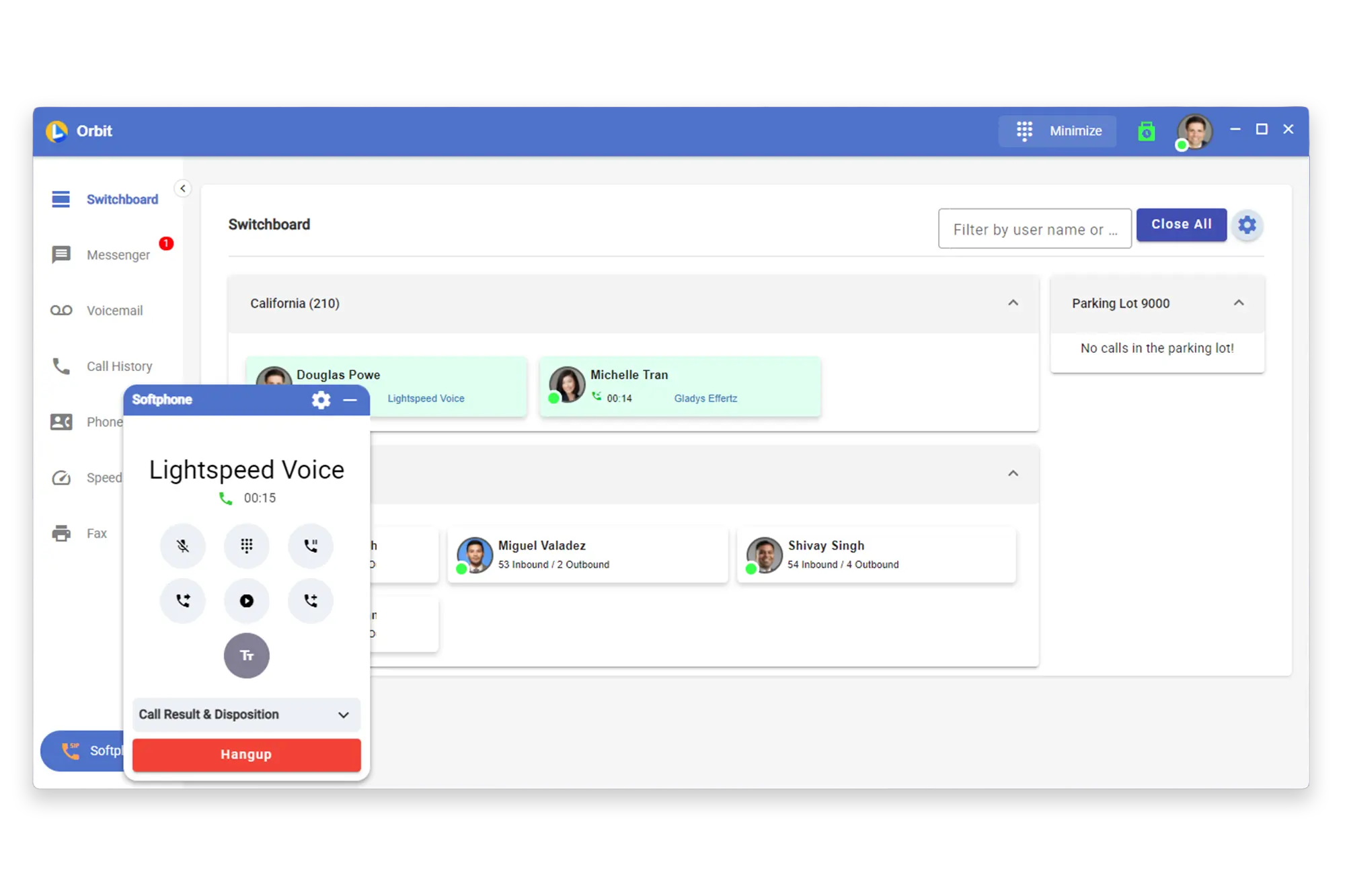
Stay connected with the softphone and sync data between Lightspeed Voice and your software.

Lucky the robot mascot giving a thumbs up

Need a hand?

Click below to talk with live support.

You've got questions.
We've got videos!

Learn the essentials of using Lightspeed Voice's Quantum, Connect and Automate.

Integrations How-to

Frequently Asked Questions

Quick answers to common questions

How do I set up my CRM integration?

Connect your HawkSoft, AMS360, or other CRM through the Orbit desktop app under Settings > Integrations. Supports auto call logging, NOVA AI summaries, and contact sync.

How do I configure call forwarding?

Set up unconditional, busy, no-answer, or time-based forwarding rules in your user portal under Call Settings. Forward to mobile, another extension, or voicemail.

How does NOVA AI work?

NOVA transcribes every call in real time, generates a plain-language summary, identifies action items, and syncs everything to your CRM automatically.

How do I add users to my account?

Go to Admin Panel > User Management and click + Add User. Assign a role (User, Supervisor, or Administrator), set an extension, and send a welcome email invite.

What phones are supported?

We support Grandstream (GRP/GXP series), Yealink (T3x/T4x/T5x), and Poly (VVX/Trio) desk phones, plus the Orbit desktop app for Windows/macOS and mobile app for iOS/Android.

Want some 1-on-1 time with our Sales Team?

Schedule a free product demo and learn what Quantum can do for you!