Lightspeed Voice Support and Customer Help Center

Find answers, download apps, watch tutorials, and contact our team — we're here to help you succeed.

Luck the robot with shapes behind him holding  aphone.

Search the Support Library

Find articles, setup guides, troubleshooting tips, and answers by keyword. Start typing to instantly narrow the results.

Thank you! Your submission has been received!
Oops! Something went wrong while submitting the form.
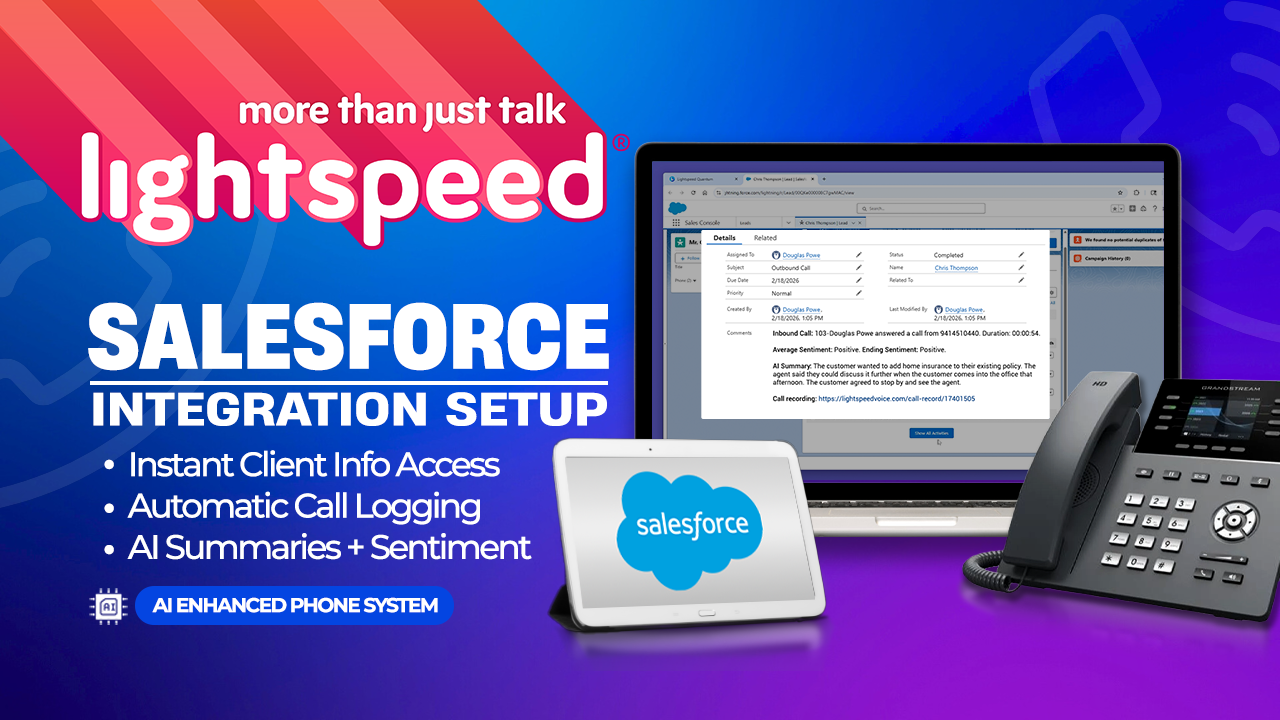
Salesforce Integration Setup

Support, Integrations, Salesforce, Setup

Connect Salesforce for call logging, activity sync, and AI summaries

S
Scalability

Account Management, General, Definition

How easily a business can add extensions, lines, or integrate additional telecom equipment or features to their existing telecom systems.

S
Seat

Account Management, Billing, Definition

A seat is a phone or a phone user, depending on the VoIP carrier. One person may have a phone at their desk in the office, use a softphone on their laptop at home, and use an app on their cell phone when they are out and about. Depending on the carrier, that might count as one seat or three, even though the person cannot use all three devices simultaneously.

S
Short message service (SMS)

Texting, SMS, Definition

SMS is a facility developed as part of the GSM standard that enables a mobile device to send, receive and display messages of up to 160 characters in Roman text and variations for non-Roman character sets.

S
SIP (Session Initiation Protocol)

VoIP, Technical Requirements, Definition

The Internet Engineering Task Force (IETF) has established a standard for initiating, maintaining, and ending interactive user sessions. These sessions can include video, voice, chat, gaming, virtual reality, and more. However, it's important to note that SIP's presence on a network may sometimes affect the quality of VoIP phone calls.

S
SMS

Texting, SMS, Definition

Short Message Service refers to a type of messaging or texting that does not involve images, rich text, multiple recipients or media.

S
Softphone

VoIP, Technical Requirements, Definition

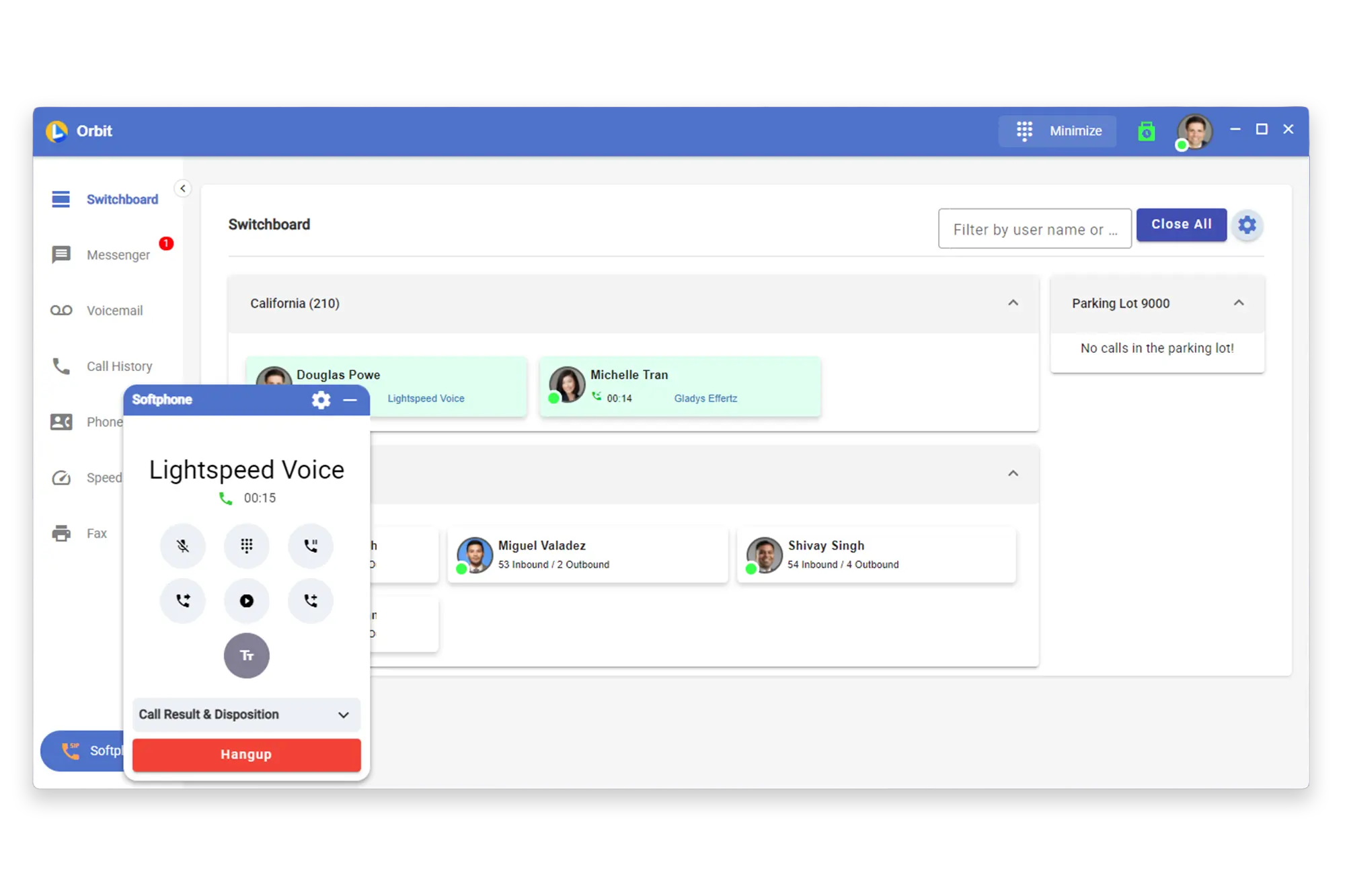
The user can install software on their computer, smartphone, or tablet to make calls over the internet. Lightspeed Voice offers its own softphone which can be accessed through its desktop application and web browser.

S
Software as a Service (Saas)

Software, Technical Requirements, Definition

With the SaaS model, the software is no longer purchased and installed at your location. It is a service another entity provides, and you pay a monthly or yearly recurring fee. Costs are fixed, there is less risk, and there is little or no need to staff an IT department to ensure it is up and running and secure. New features are made available without your needing to do anything but adapt and start using them.

S
Software-Defined WAN (SD-WAN)

Technical Requirements, Network, Definition

A software-defined vast area network uses software-based management to eliminate the complexity of packet routing by understanding applications, their performance, and t, the policies placed. Bandwidth allocation can be prioritized to allocate dynamic path selection for critical applications, like voice and video.

S

Downloads

Get the Orbit app on any device — desktop, iPhone, or Android
Mockup

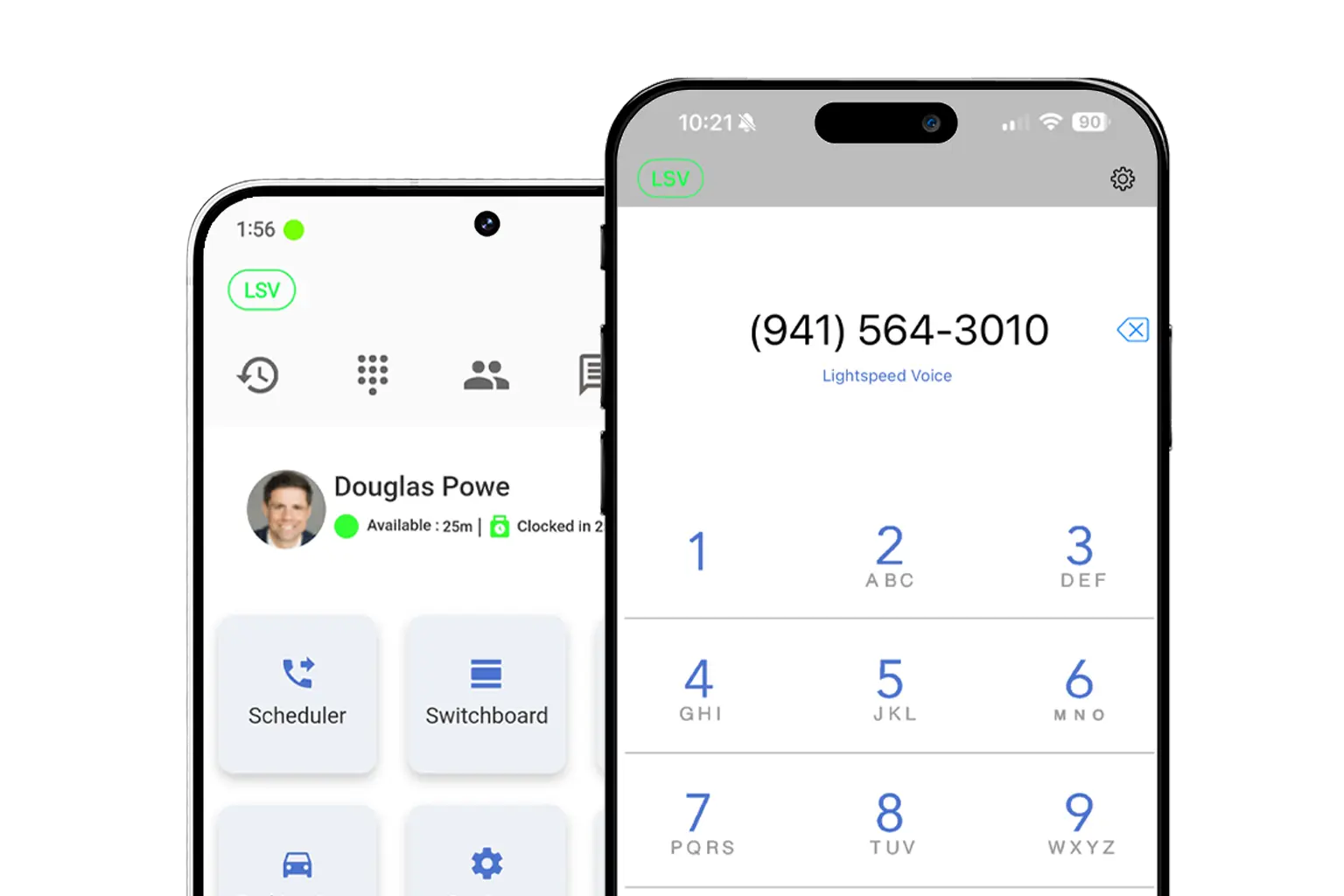
Download LS Orbit for Mobile

Stay connected on the go with the LS Orbit Mobile App for calls, messaging, and real-time tools wherever you work.
Get it on google play badge
Down on the App Store badge
Mockup

Download Orbit for Desktop

Stay connected with the softphone and sync data between Lightspeed Voice and your software.

Lucky the robot mascot giving a thumbs up

Need a hand?

Click below to talk with live support.

You've got questions.
We've got videos!

Learn the essentials of using Lightspeed Voice's Quantum, Connect and Automate.

Integrations How-to

Frequently Asked Questions

Quick answers to common questions

How do I set up my CRM integration?

Connect your HawkSoft, AMS360, or other CRM through the Orbit desktop app under Settings > Integrations. Supports auto call logging, NOVA AI summaries, and contact sync.

How do I configure call forwarding?

Set up unconditional, busy, no-answer, or time-based forwarding rules in your user portal under Call Settings. Forward to mobile, another extension, or voicemail.

How does NOVA AI work?

NOVA transcribes every call in real time, generates a plain-language summary, identifies action items, and syncs everything to your CRM automatically.

How do I add users to my account?

Go to Admin Panel > User Management and click + Add User. Assign a role (User, Supervisor, or Administrator), set an extension, and send a welcome email invite.

What phones are supported?

We support Grandstream (GRP/GXP series), Yealink (T3x/T4x/T5x), and Poly (VVX/Trio) desk phones, plus the Orbit desktop app for Windows/macOS and mobile app for iOS/Android.

Want some 1-on-1 time with our Sales Team?

Schedule a free product demo and learn what Quantum can do for you!