Lightspeed Voice Support and Customer Help Center

Find answers, download apps, watch tutorials, and contact our team — we're here to help you succeed.

Luck the robot with shapes behind him holding  aphone.

Search the Support Library

Find articles, setup guides, troubleshooting tips, and answers by keyword. Start typing to instantly narrow the results.

Thank you! Your submission has been received!
Oops! Something went wrong while submitting the form.
Switchboard

Dashboard, Call Monitoring, Feature

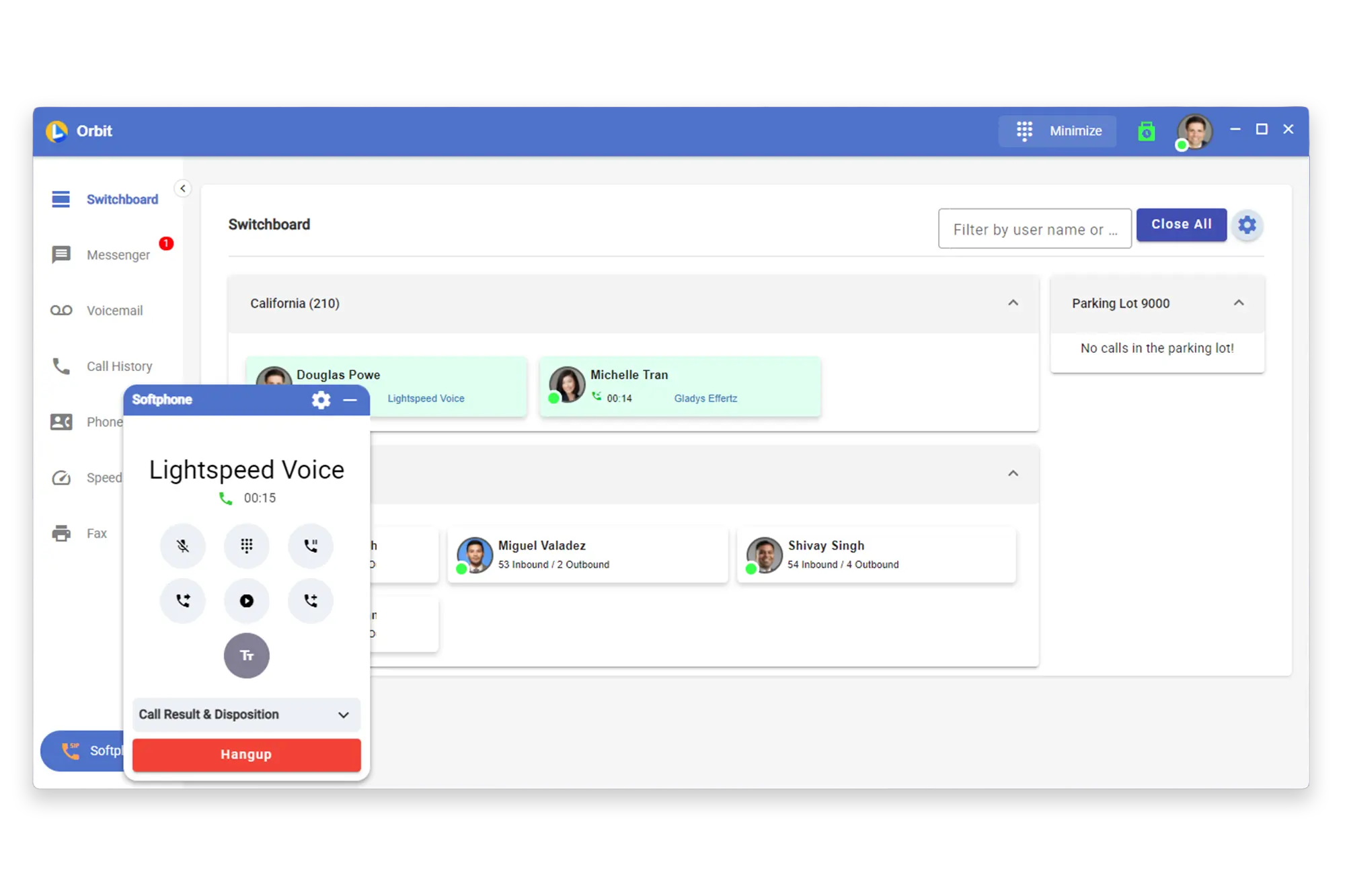
With Lightspeed Voice's Switchboard, you can easily keep track of activity in your office. You have access to a range of features, including user status, call information, voicemail, speed dial, call history, fax, and video chat. The Switchboard is available across all Lightspeed Voice platforms, including the desktop application, web browser, and mobile app.

S
Switchboard Guide

Support, Switchboard, Call Monitoring

Monitor and manage live calls across your team

S
Texting

Texting, SMS, Definition

How SMS and texting work within Lightspeed Voice

T
The Campaign Registry (TCR)

SMS & TCR, Compliance, Definition

The Campaign Registry addresses the growing concern over unsolicited text messages and the potential harm they can cause consumers. The Campaign Registry is in place to help businesses comply with the new regulations. Lightspeed Voice provides guidance and resources to help companies comply with these regulations to avoid penalties for non-compliance

T
Toll Free Number (TFN)

Phone Numbers, Telephony, Definition

In North America, toll-free numbers include 833, 844, 855, 866, 877, and 888. Unlike long-distance calls, where the caller is usually responsible for payment, toll-free calls are charged to the person who receives the call.

T
ULC (Underlying Carrier)

Technical Requirements, Telephony, Definition

Telecommunications involves carriers passing traffic between each other. When you port a number from one carrier to another, the original number is still with the original carrier. However, the routing table is updated to direct calls to the new carrier. Although you may have VoIP service with us, we use multiple ULCs to pass voice traffic between VoIP providers.

U
Unified Communications as a Service (UCAAS)

VoIP, Technical Requirements, Definition

A “as a service” category in which a cloud PBX service delivers unified communications.

U
Uptime

Technical Requirements, Reliability, Definition

Uptime is a metric used to measure the overall performance of your service provider. It is a percentage showing how long the service is up and running, and the higher the number, the better it is for you.

U
Virtual Phone Number

Phone Numbers, VoIP, Definition

A VoIP phone number for a different location than where the user or company resides. For instance, it could be a local telephone number from another state or country. Calls made to the number from that area are treated as local calls, and the calls are routed to the user’s primary VoIP phone number.

V
Virtual Private Network (VPN)

Technical Requirements, Network, Definition

A private computer network deployed over a public telecommunications network, such as the Internet. A VPN typically includes one or more connected corporate intranets or local area networks (LANs), which users at remote locations can access using a password authentication system.

V

Downloads

Get the Orbit app on any device — desktop, iPhone, or Android
Mockup

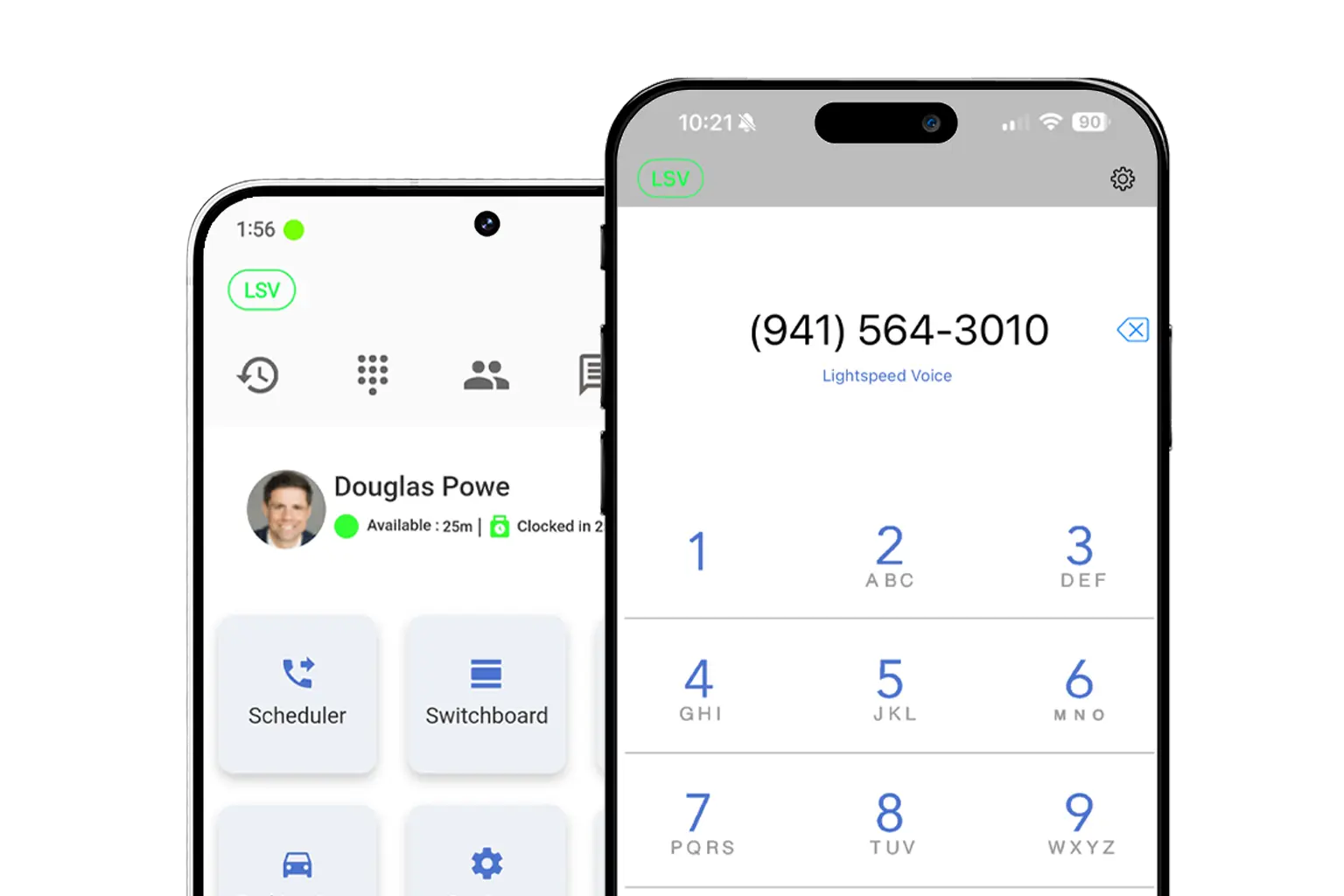
Download LS Orbit for Mobile

Stay connected on the go with the LS Orbit Mobile App for calls, messaging, and real-time tools wherever you work.
Get it on google play badge
Down on the App Store badge
Mockup

Download Orbit for Desktop

Stay connected with the softphone and sync data between Lightspeed Voice and your software.

Lucky the robot mascot giving a thumbs up

Need a hand?

Click below to talk with live support.

You've got questions.
We've got videos!

Learn the essentials of using Lightspeed Voice's Quantum, Connect and Automate.

Integrations How-to

Frequently Asked Questions

Quick answers to common questions

How do I set up my CRM integration?

Connect your HawkSoft, AMS360, or other CRM through the Orbit desktop app under Settings > Integrations. Supports auto call logging, NOVA AI summaries, and contact sync.

How do I configure call forwarding?

Set up unconditional, busy, no-answer, or time-based forwarding rules in your user portal under Call Settings. Forward to mobile, another extension, or voicemail.

How does NOVA AI work?

NOVA transcribes every call in real time, generates a plain-language summary, identifies action items, and syncs everything to your CRM automatically.

How do I add users to my account?

Go to Admin Panel > User Management and click + Add User. Assign a role (User, Supervisor, or Administrator), set an extension, and send a welcome email invite.

What phones are supported?

We support Grandstream (GRP/GXP series), Yealink (T3x/T4x/T5x), and Poly (VVX/Trio) desk phones, plus the Orbit desktop app for Windows/macOS and mobile app for iOS/Android.

Want some 1-on-1 time with our Sales Team?

Schedule a free product demo and learn what Quantum can do for you!