Lightspeed Voice Support and Customer Help Center

Find answers, download apps, watch tutorials, and contact our team — we're here to help you succeed.

Luck the robot with shapes behind him holding  aphone.

Search the Support Library

Find articles, setup guides, troubleshooting tips, and answers by keyword. Start typing to instantly narrow the results.
Thank you! Your submission has been received!
Oops! Something went wrong while submitting the form.
Voicemail Guide

Support, Voicemail, Phone Configuration

Review, manage, and get notified about voicemail

V
VoIP

VoIP, Technical Requirements, Definition

VoIP is the acronym for Voice over Internet Protocol. It is the transmission of voice over the Internet as digital packets using the real-time protocol (RTP) to help ensure the packets are delivered timely.

V
Web Browser

Technical Requirements, Software, Definition

Web browsers are software programs that allow users to view information on Web servers and display graphics. In addition to browsing the internet, some web browsers also come with email clients, newsreaders, and even IP Telephony clients. Popular web browsers include Google Chrome, Internet Explorer, and Firefox.

W
What does the HawkSoft integration do?

Support, Integrations, HawkSoft

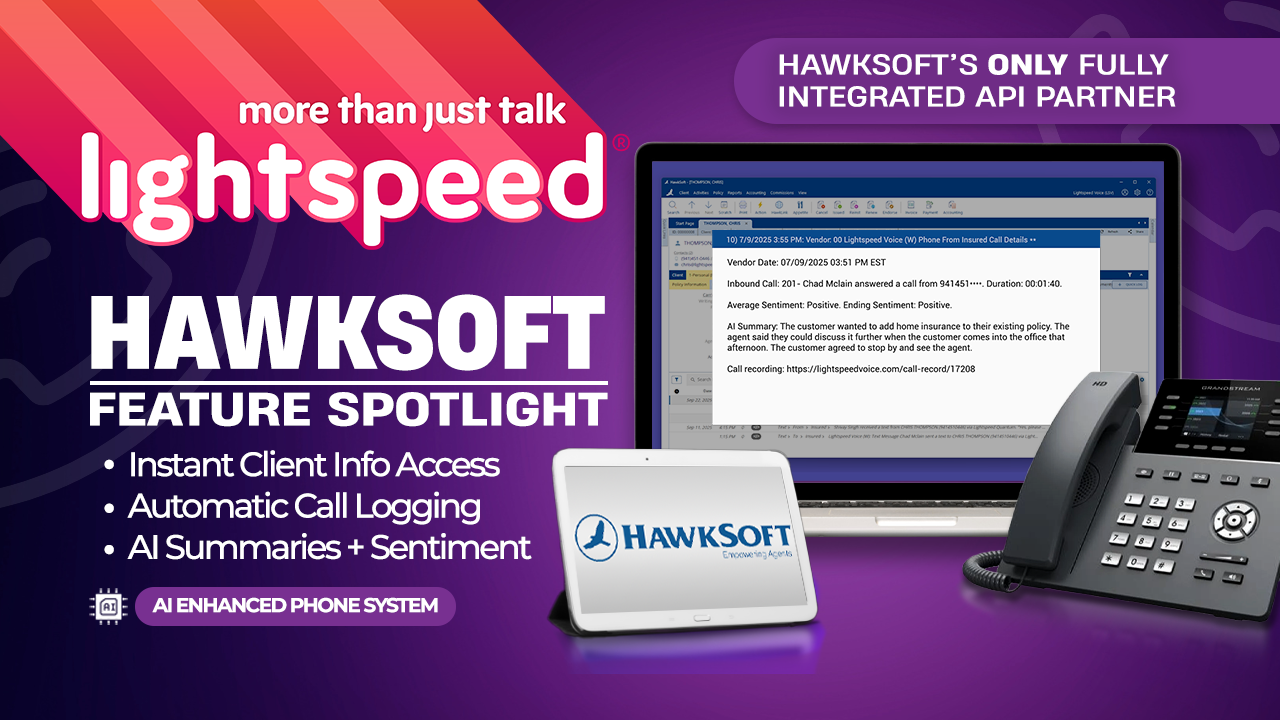
When connected, HawkSoft automatically opens the matching client record on incoming and outgoing calls, logs call activity, and stores recordings, texts, and emails together. If NOVA AI is enabled, you'll also get a sentiment rating and smart summary for each call.

W
What is NOVA AI and how does it work?

Support, NOVA AI, General

NOVA is Lightspeed Voice's AI-powered assistant that provides call transcription, sentiment analysis, and smart summaries. It automatically logs call details into your CRM and helps agents focus on customer conversations instead of manual data entry.

W
What is the maximum call duration supported by Lightspeed Voice?

Support, Phone Configuration, General

Lightspeed Voice supports unlimited call duration. There are no artificial time limits imposed on individual calls.

W
What phones are supported?

Support, Phone Configuration, Hardware

We support Grandstream, Yealink, and Polycom desk phones, plus our Orbit mobile and desktop apps for softphone functionality.

W
What texting behavior is supported with HubSpot?

Support, Texting, HubSpot, Integrations

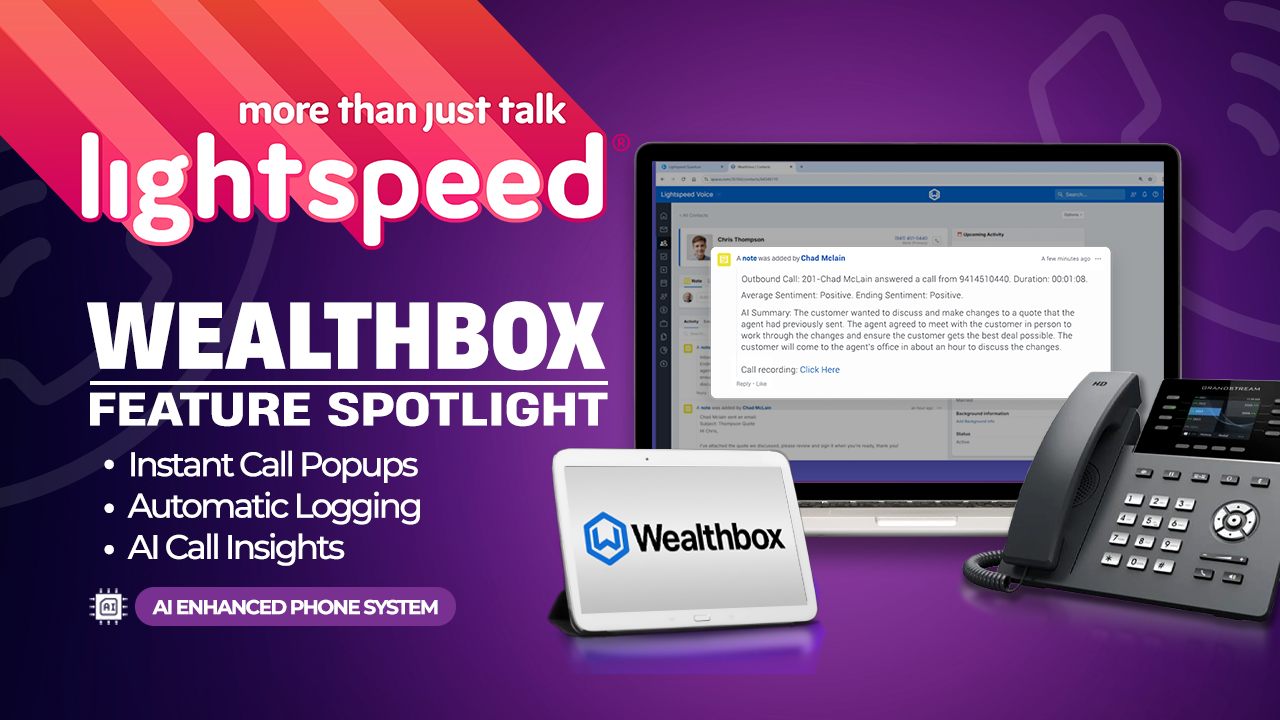
If a user sends or receives a text inside LSV, a note is added in HubSpot with the text details. The integration must be authenticated and text triggers must be enabled.

W
Where does the call recording note get logged if there are multiple possible matches? Can you choose where it logs?

Support, Call Recording, Integrations

The Contact page is opened during call pop. Notes can be accessed from both the Contact and Business pages, but the system operates from the Contact record and logs activity there.

W

Downloads

Get the Orbit app on any device — desktop, iPhone, or Android
Mockup

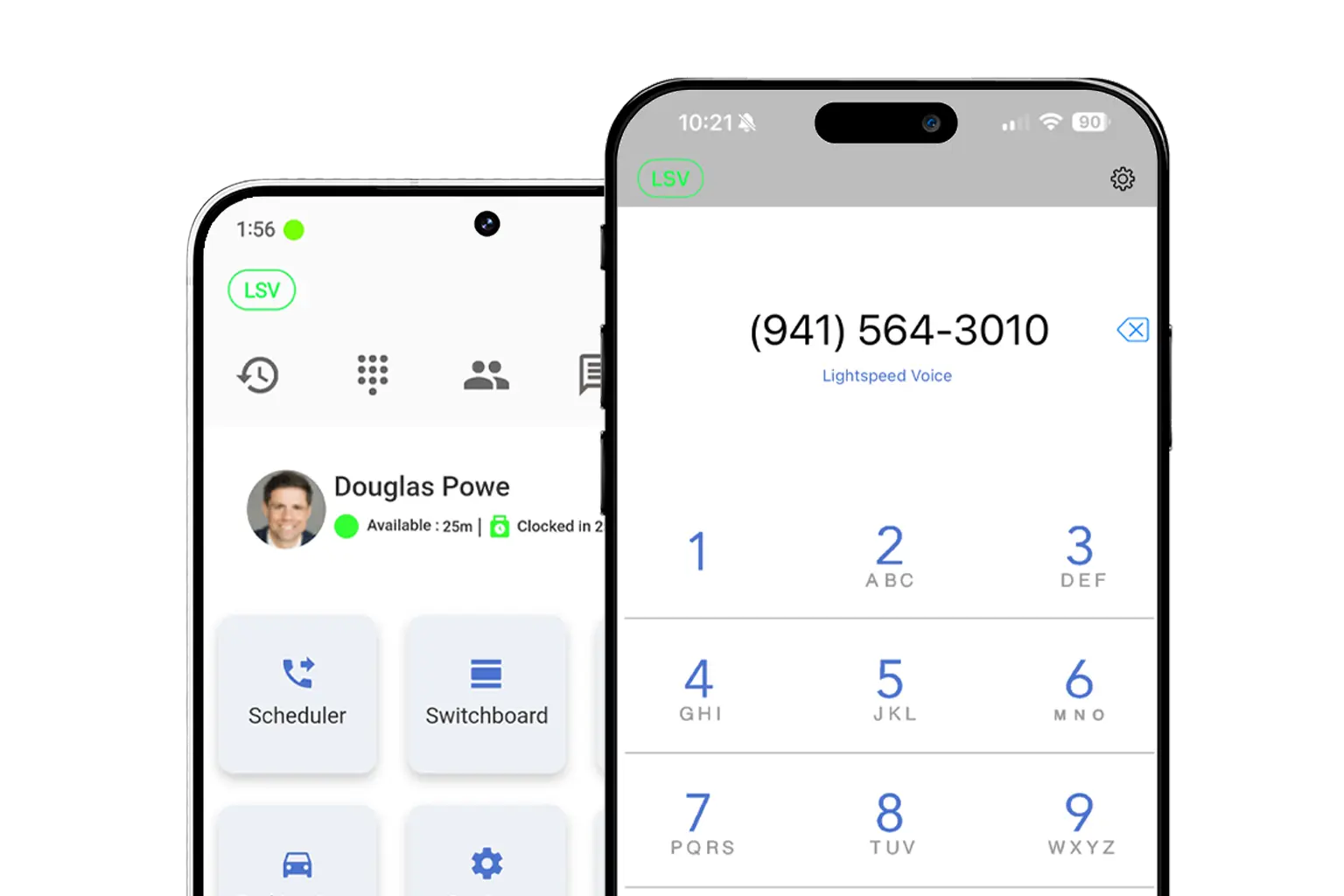
Download LS Orbit for Mobile

Stay connected on the go with the LS Orbit Mobile App for calls, messaging, and real-time tools wherever you work.
Get it on google play badge
Down on the App Store badge
Mockup

Download Orbit for Desktop

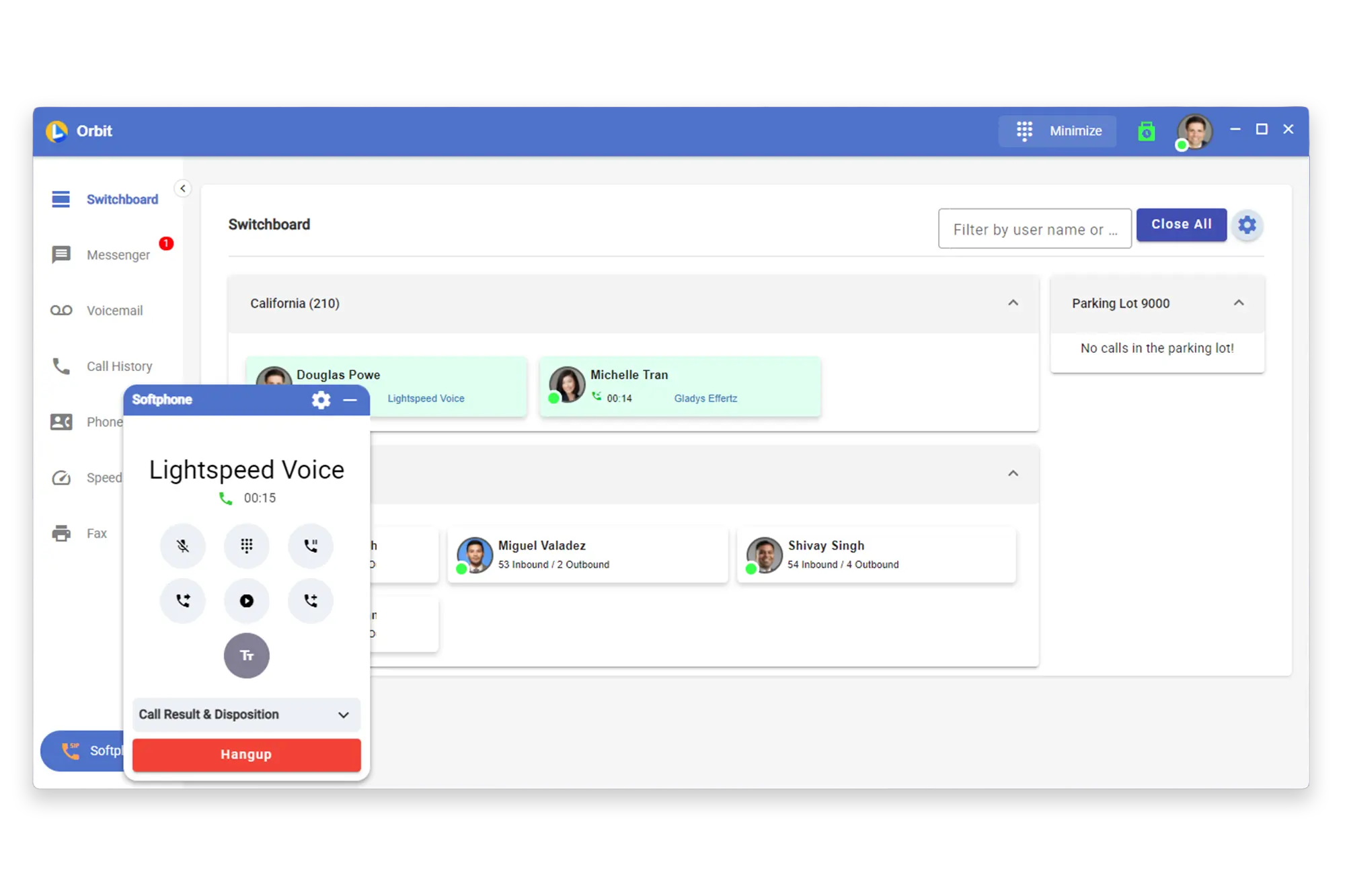
Stay connected with the softphone and sync data between Lightspeed Voice and your software.

Lucky the robot mascot giving a thumbs up

Need a hand?

Click below to talk with live support.

You've got questions.
We've got videos!

Learn the essentials of using Lightspeed Voice's Quantum, Connect and Automate.

Integrations How-to

Frequently Asked Questions

Quick answers to common questions

How do I set up my CRM integration?

Connect your HawkSoft, AMS360, or other CRM through the Orbit desktop app under Settings > Integrations. Supports auto call logging, NOVA AI summaries, and contact sync.

How do I configure call forwarding?

Set up unconditional, busy, no-answer, or time-based forwarding rules in your user portal under Call Settings. Forward to mobile, another extension, or voicemail.

How does NOVA AI work?

NOVA transcribes every call in real time, generates a plain-language summary, identifies action items, and syncs everything to your CRM automatically.

How do I add users to my account?

Go to Admin Panel > User Management and click + Add User. Assign a role (User, Supervisor, or Administrator), set an extension, and send a welcome email invite.

What phones are supported?

We support Grandstream (GRP/GXP series), Yealink (T3x/T4x/T5x), and Poly (VVX/Trio) desk phones, plus the Orbit desktop app for Windows/macOS and mobile app for iOS/Android.

Want some 1-on-1 time with our Sales Team?

Schedule a free product demo and learn what Quantum can do for you!