Lightspeed Voice Support and Customer Help Center

Find answers, download apps, watch tutorials, and contact our team — we're here to help you succeed.

Luck the robot with shapes behind him holding  aphone.

Search the Support Library

Find articles, setup guides, troubleshooting tips, and answers by keyword. Start typing to instantly narrow the results.

Thank you! Your submission has been received!
Oops! Something went wrong while submitting the form.
Chrome Extension

Integrations, Browser, Productivity

Lightspeed Voice's Chrome Extension allows users to leverage the convenient click2call feature while browsing websites on Google Chrome. By simply clicking on a phone number, you can initiate a call to your phone, and upon answering, the call will be connected to the number you clicked.

C
ClientCircle Integration Setup

Support, Integrations, ClientCircle, Setup

Connect ClientCircle for two-way text message sync

C
Custom Call Disposition

NOVA AI, Call Recording, Feature

Lightseed Voice offers a call disposition feature that presents a brief summary of the call's outcome. You can customize the dispositions to suit your business needs and create the ones that work best for you. It includes a set of tags or values that you can utilize to record the results of your calls. This feature helps teams to evaluate their performance and identify areas for improvement.

C
Custom Call Routing

Call Routing, Phone Configuration, Feature

Lightspeed Voice offers an automated call routing system that uses a routing engine to direct incoming phone calls to their intended recipient. The routing system is highly customizable, allowing you to create your own routes or get assistance in doing so. You can choose from a range of options for where the call should go, including an auto attendant, voicemail, a specific department, a team member, and more.

C
Dialer

Dialer, Calling, Feature

Elevate your customer connections with Lightspeed Voice's Dialer. Customize conversations and streamline workflow across all devices. Boost productivity and satisfaction with real-time insights.

D
Dial Plans

Call Routing, Phone Configuration, Definition

Dial Plans are strings of characters that convert dialed numbers into outbound dial strings. They can act as filters by allowing, disallowing, or modifying dialed numbers. When a dialed number matches a set Dial Plan on the device, the device will send the numbers outbound. Dial Plans can prevent calls to specific destinations like 411 and International Numbers or add an area code for 7-digit dialing. Dial Plans may look alike across manufacturers but can differ. Although most Dial Plans are based on MGCP, they may have modifications for different purposes.

D
DID Extension

A specific phone within a PBX which can be called from the public telephone network without going through an attendant or auto-attendant.

D
DID Number

A phone number routed from the network to a specific phone in a PBX requires unique DID trunks or ISDN PRI “two-way DID” trunks. Blocks of DID numbers (typically 10 or 20) are purchased from the LEC or CLEC for use on the PBX. The number of DID numbers usually substantially exceeds the number of trunks in the system.

D
Does call pop trigger on blind transfer, warm transfer, and park?

Support, Screen Pop, Call Transfer, Integrations

Yes. These transfer scenarios are included in the call pop trigger behavior.

D

Downloads

Get the Orbit app on any device — desktop, iPhone, or Android
Mockup

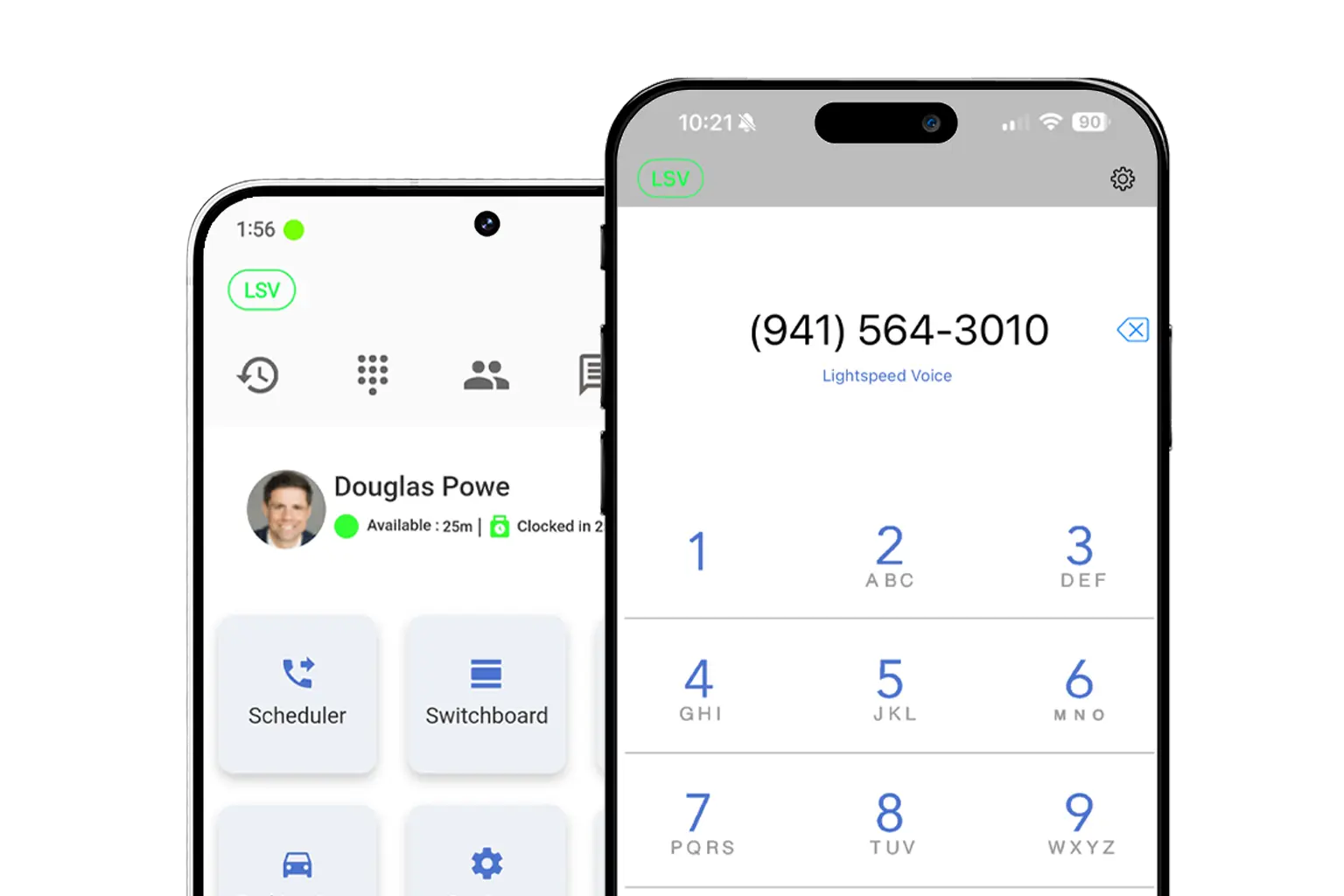
Download LS Orbit for Mobile

Stay connected on the go with the LS Orbit Mobile App for calls, messaging, and real-time tools wherever you work.
Get it on google play badge
Down on the App Store badge
Mockup

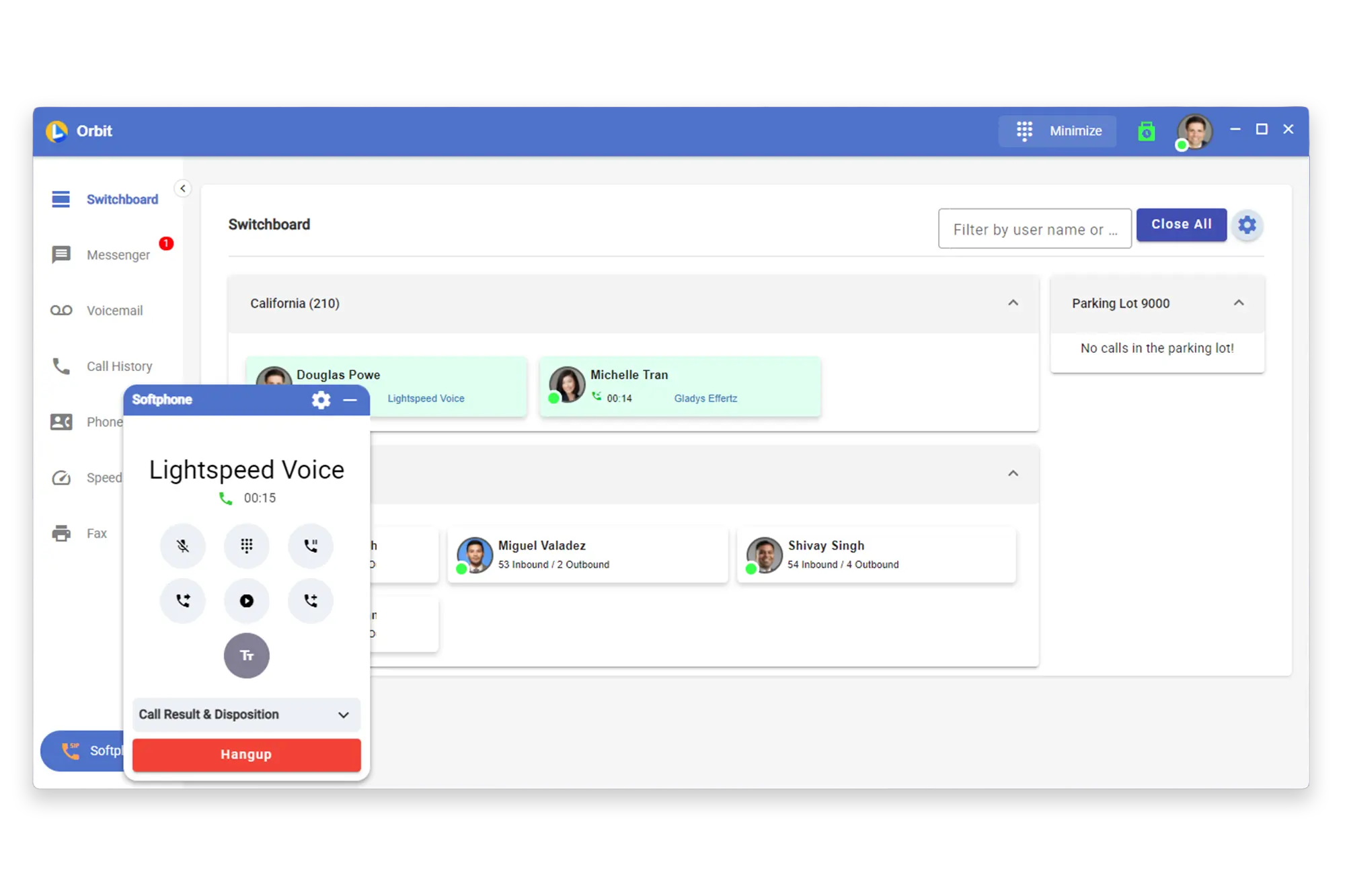
Download Orbit for Desktop

Stay connected with the softphone and sync data between Lightspeed Voice and your software.

Lucky the robot mascot giving a thumbs up

Need a hand?

Click below to talk with live support.

You've got questions.
We've got videos!

Learn the essentials of using Lightspeed Voice's Quantum, Connect and Automate.

Integrations How-to

Frequently Asked Questions

Quick answers to common questions

How do I set up my CRM integration?

Connect your HawkSoft, AMS360, or other CRM through the Orbit desktop app under Settings > Integrations. Supports auto call logging, NOVA AI summaries, and contact sync.

How do I configure call forwarding?

Set up unconditional, busy, no-answer, or time-based forwarding rules in your user portal under Call Settings. Forward to mobile, another extension, or voicemail.

How does NOVA AI work?

NOVA transcribes every call in real time, generates a plain-language summary, identifies action items, and syncs everything to your CRM automatically.

How do I add users to my account?

Go to Admin Panel > User Management and click + Add User. Assign a role (User, Supervisor, or Administrator), set an extension, and send a welcome email invite.

What phones are supported?

We support Grandstream (GRP/GXP series), Yealink (T3x/T4x/T5x), and Poly (VVX/Trio) desk phones, plus the Orbit desktop app for Windows/macOS and mobile app for iOS/Android.

Want some 1-on-1 time with our Sales Team?

Schedule a free product demo and learn what Quantum can do for you!